

How to Use the Inbox to Chat With AI, Humans, and Orchestrators
1. Open the Inbox to Reach Team Members 0:00

- Start in the Inbox after reviewing teams.
- Think of the inbox as a place where you can message any team member directly.
- Team members may be:
- AI agents
- Human teammates
- Orchestrators
2. Ask an Agent Who It Is and What It Does 0:09

- Click into an agent’s inbox and ask basic questions like:
- What company do you work for?
- What do you do?
- The agent will introduce itself and explain its role.
- This demonstrates that each employee/agent knows:
- Who they work for
- How they contribute to your goals
3. Check an Agent’s Dependencies and Work History 0:38
generated-image-at-00:00:38
- Ask an agent questions about its workflow, such as:
- Which employees do you depend on?
- What have you done today?
- The inbox can show:
- Dependencies
- Recent work completed
- Results and wins
- If the account is new, there may be little or no activity yet, but the feature is designed to surface this information once work begins.
4. Chat With Agents or Orchestrators Directly 1:39

- You can chat with agents by calling their name or messaging them directly.
- You can also chat with an orchestrator, which will respond and guide you.
- The inbox is meant to make communication simple and immediate.
5. Use Voice or Avatar Interaction When Available 1:50

- In addition to text chat, you can use voice commands.
- Depending on the setup, you can:
- Activate the avatar head
- Speak directly to the system and get a spoken response back
- Voice interaction is mentioned as a separate feature, but it works alongside the inbox experience.
6. Review What the AI Has Already Done 2:02

- The inbox can show you:
- What the AI has done
- What it is currently doing
- Reports and progress updates
- Even newly created accounts may already show some activity or reporting.
- This helps you quickly understand the status of the work without digging through multiple tools.
7. Get Routed to the Right Person for Out-of-Scope Questions 2:15

- If you ask an agent something outside its responsibilities, it will delegate you to the right person.
- Example:
- An Apollo Lead Generation Specialist may direct CRM-related questions to someone like Jane.
- This ensures you reach the correct expert instead of getting stuck with the wrong agent.
8. Use the Human-in-the-Loop for Real Support 2:50
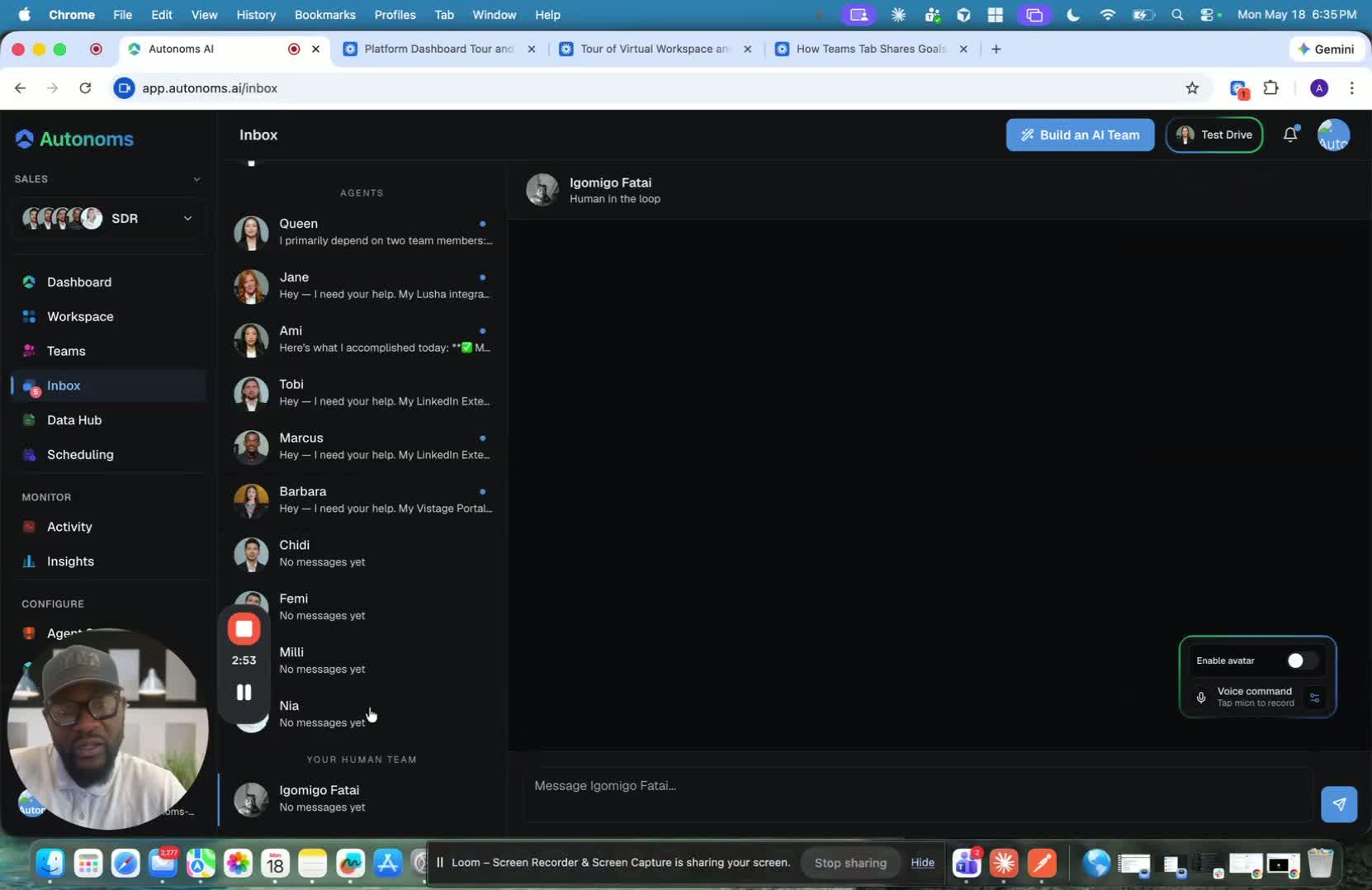
- The human-in-the-loop is a real person, not an AI agent.
- They are available through rotations so support can be available around the clock.
- You can message them when you need help and they will respond as quickly as possible.
9. Know When to Escalate to a Human 3:11
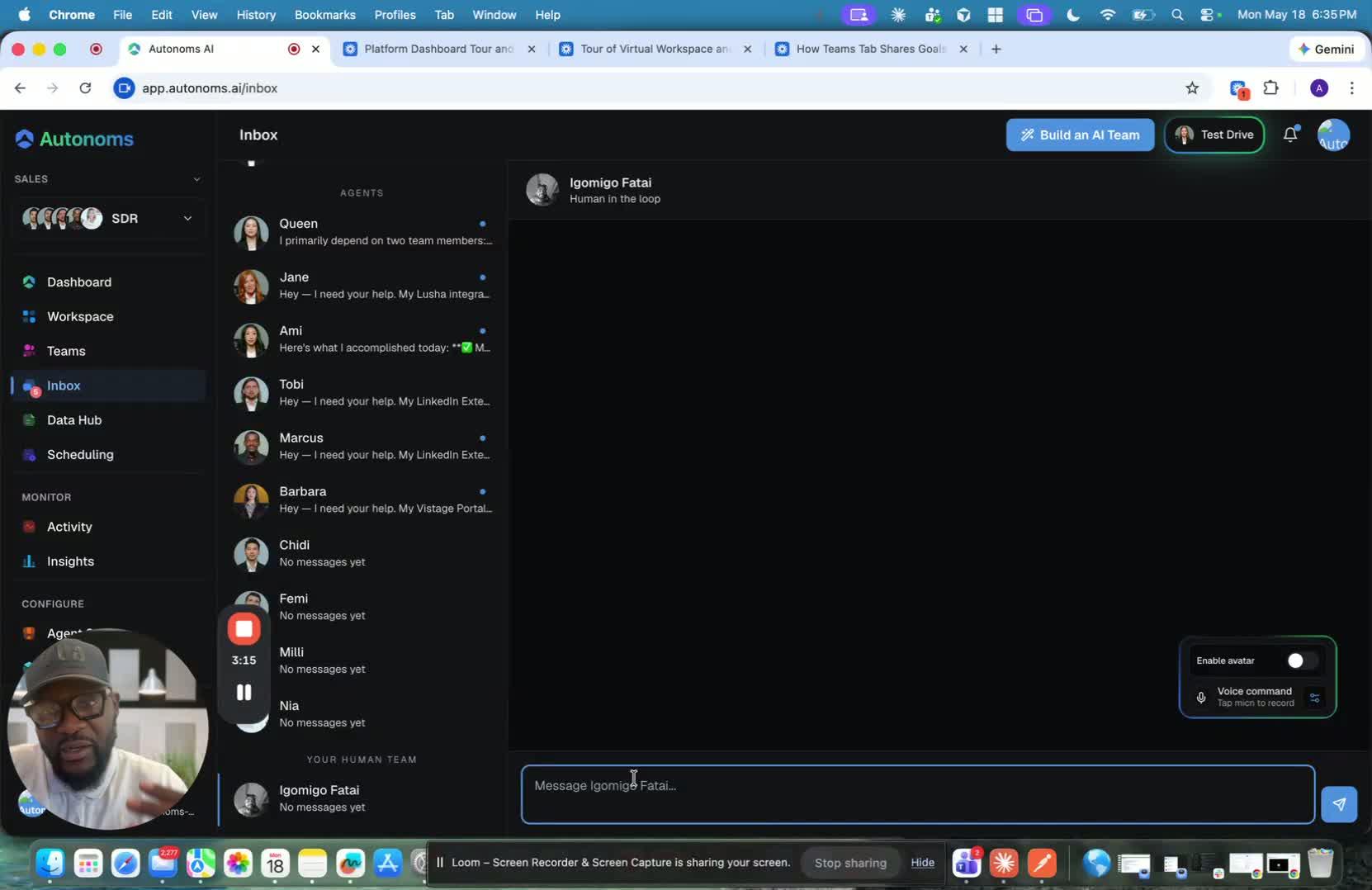
- Reach out to the human-in-the-loop when you need help with:
- Integration issues
- Mission-critical reviews before something goes out
- Correcting AI hallucinations
- Ensuring the team is aligned with your goals
- Their role is to unblock work and provide oversight where human judgment is needed.