

How to Sign Up, Verify, and Log In to the Platform
1. Start the onboarding and review the initial setup 0:00
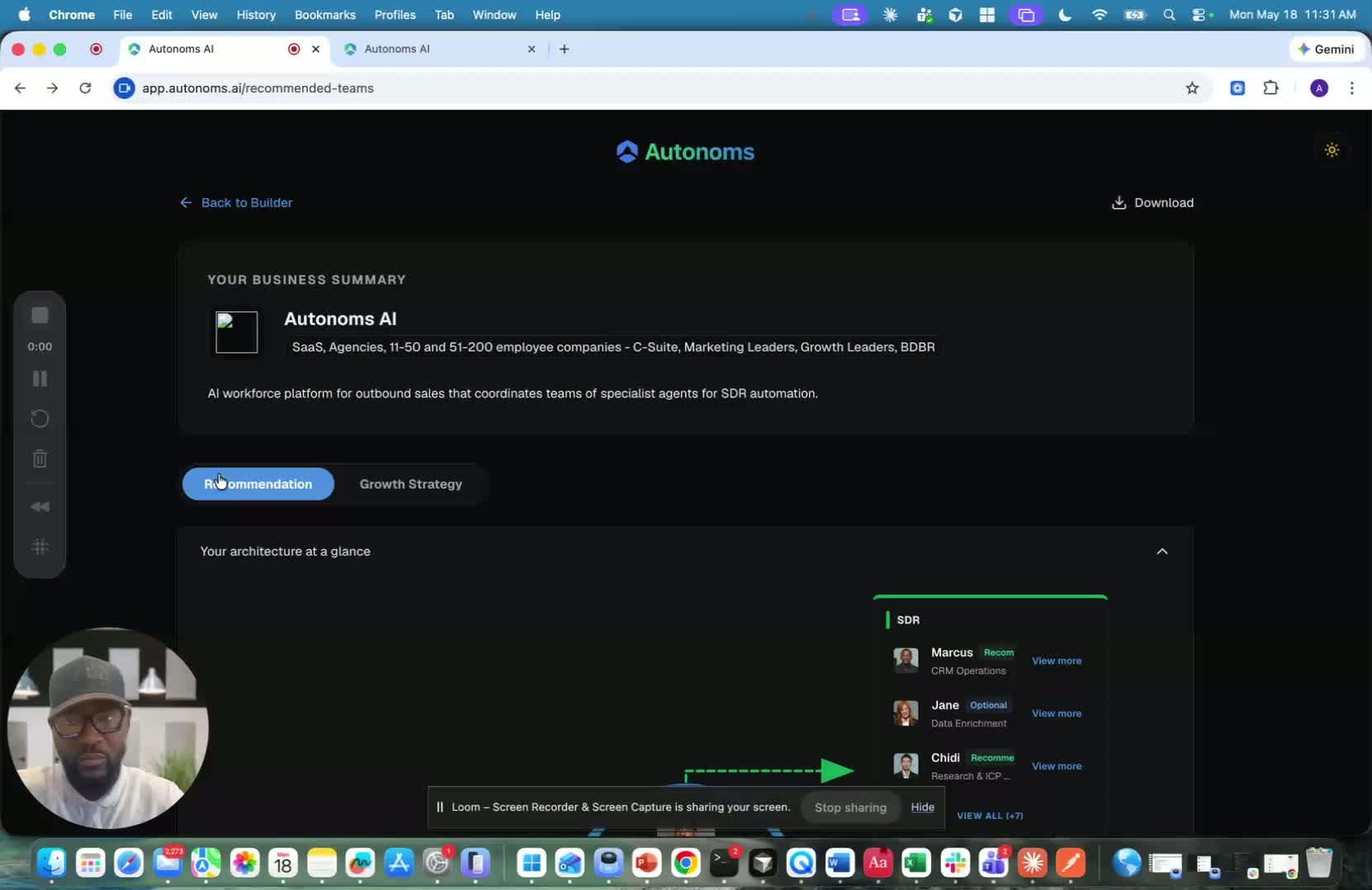
- Begin the sign-up and environment provisioning flow.
- If the logo is not scraped correctly, don’t worry.
- New or hard-to-scrape websites may not have enough online references yet, but this can be updated later after signup.
- Review the suggested group plan/recommendations and continue even if they are not perfect, since they can be refined later.
2. Enter your contact details and account information 0:32
generated-image-at-00:00:32
- Use your real phone number during signup.
- This is important because the platform includes a test drive feature that can simulate your ICP and test multiple channels:
- Call
- Phone
- Text
- Proceed with account creation by entering a secure password.
3. Accept the terms and choose your account type 0:59
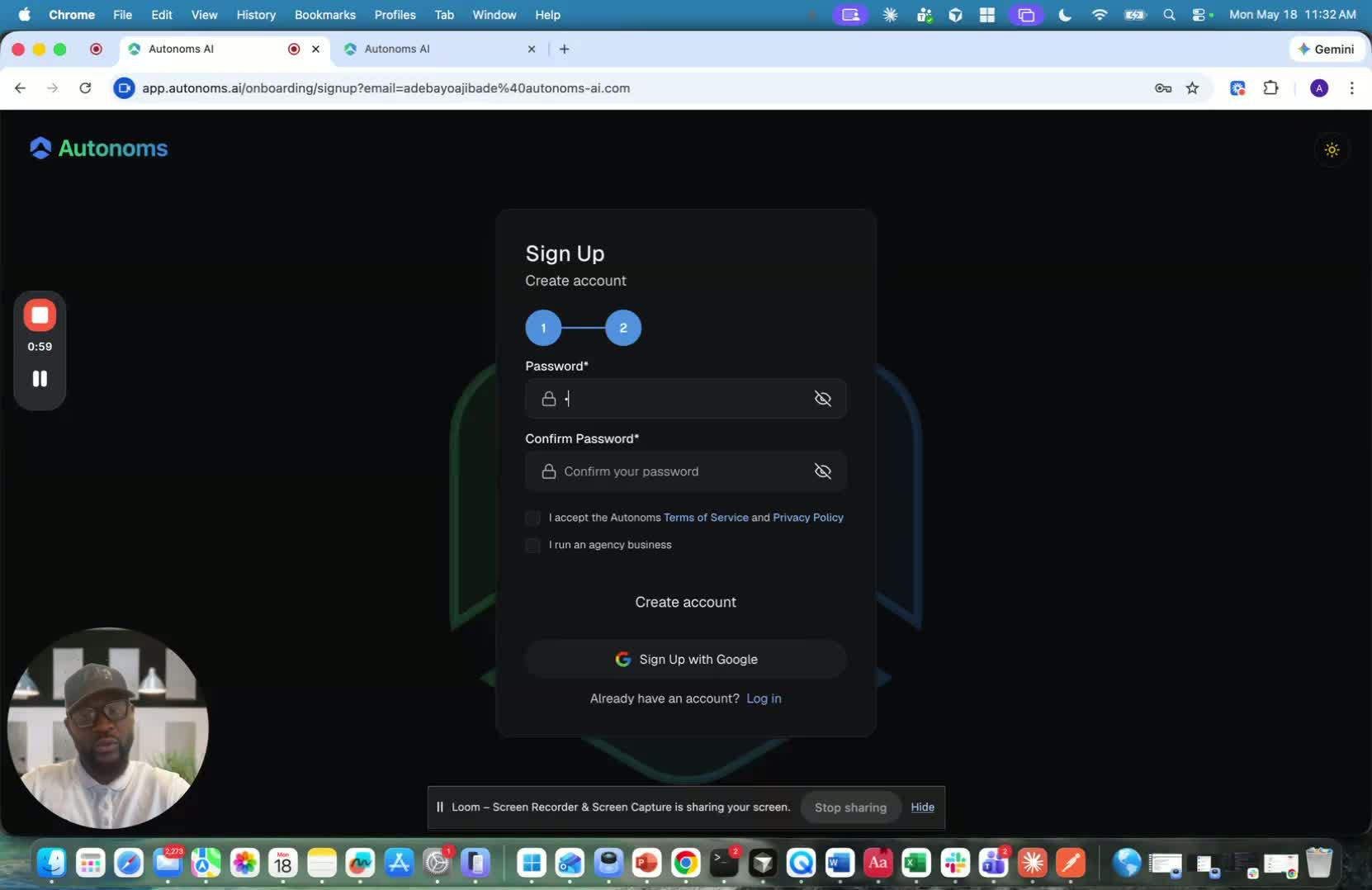
- Accept the terms and conditions to continue.
- Decide whether you are signing up as a regular company or as an agency.
- If you manage multiple companies, choose the agency option so you can:
- Add multiple workspaces
- Switch between workspaces
- Manage different accounts separately
4. Create the account and verify your email 1:40
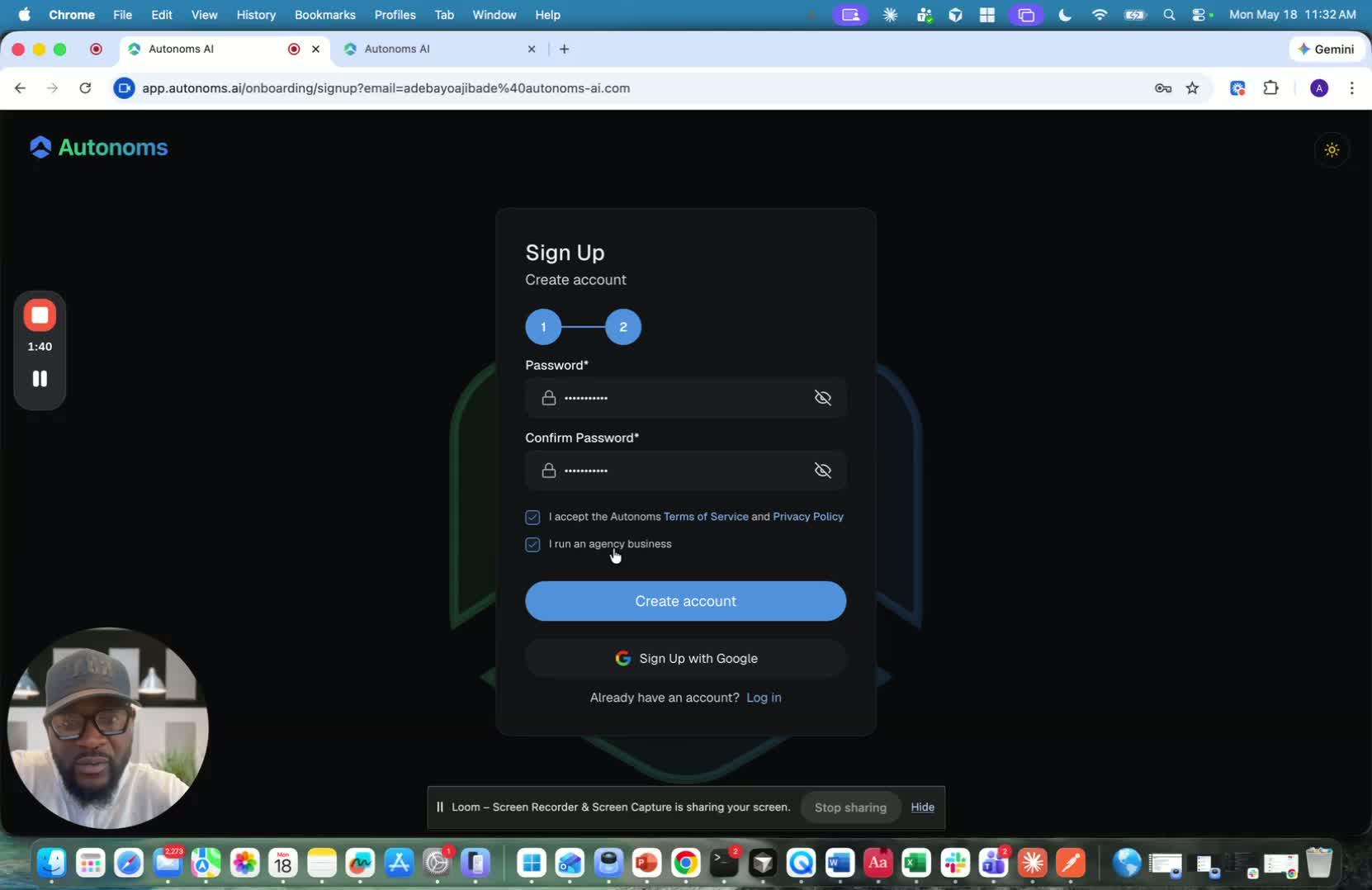
- Click Create Account to submit the signup form.
- Check your email for a verification message.
- Open the email and click Verify to confirm your account.
5. Return to the sign-in page and log in 2:12
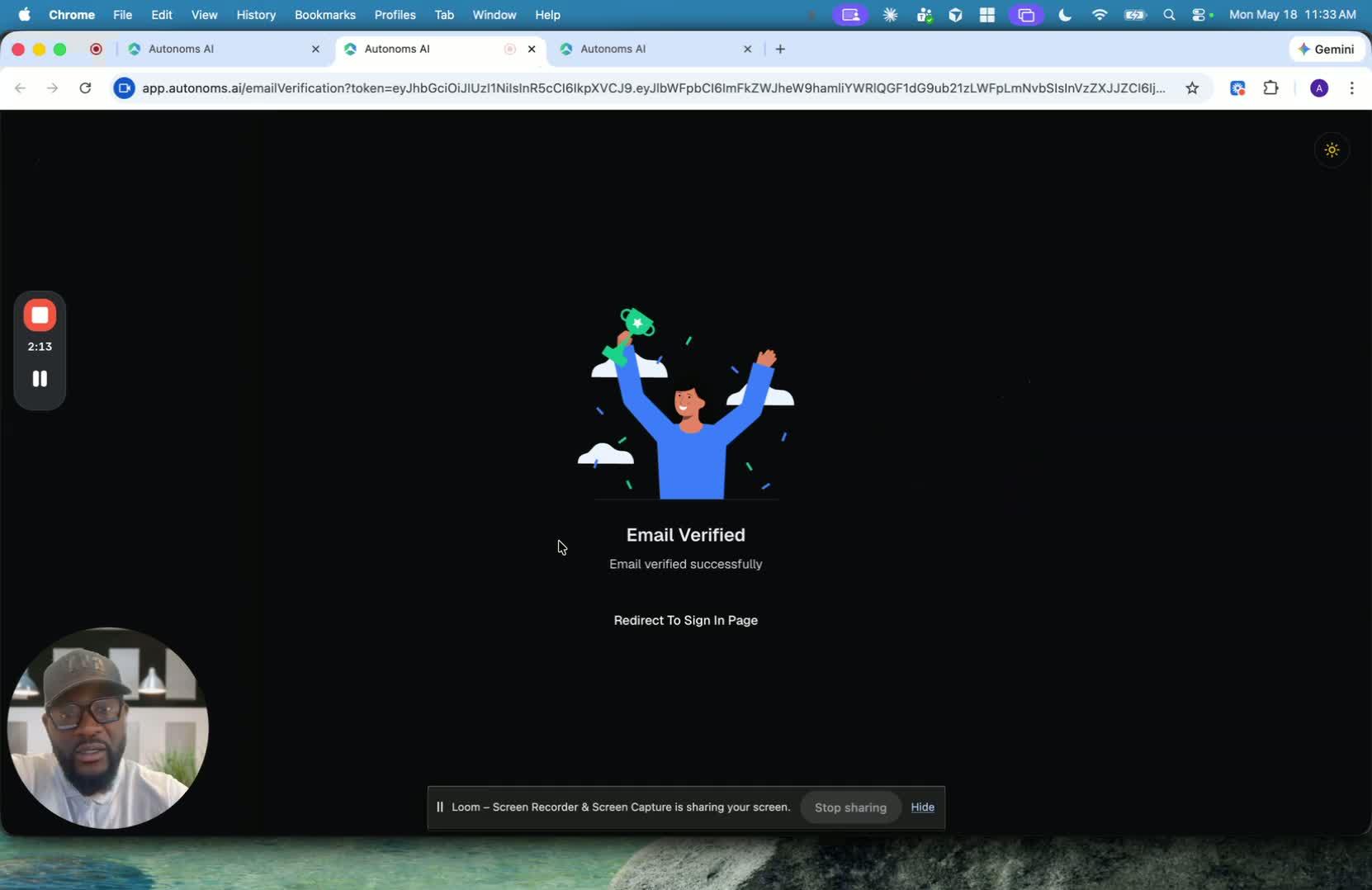
- After verification, you’ll be redirected back to the sign-in page.
- Log in with your newly created account credentials.
- Once logged in, the onboarding process is complete.
Link to Loom
https://loom.com/share/ca5922cd9f784729a40c5cd4f6048e92
Cautionary Notes
- Use a real phone number during signup; test drive and channel testing may rely on it.
- Do not delay signup because the logo or website data is incomplete; these details can usually be updated later.
- Make sure you verify the account through email before trying to log in.
- Select the correct account type early, especially if you need agency/workspace management.
Tips for Efficiency
- Continue through signup even if recommendations or scraped data are imperfect; refine them after account creation.
- If you manage multiple clients or brands, choose the agency setup from the start to avoid rework.
- Keep access to the signup email inbox handy so you can verify the account immediately.
- Use a secure password manager to speed up password creation while maintaining security.