

1. Start the AI team hiring flow from the homepage 0:16
- From the homepage, click “Hire your AI team” to go directly into onboarding.
- The goal is to begin setting up a real AI salesforce in just a few minutes.
- This onboarding flow is designed to gather enough context to build a tailored team for your business.
2. Define the main goal for the AI salesforce 1:22
generated-image-at-00:01:22
- Enter a simple free-text goal for what you want the team to accomplish.
- Example used in the video: “25 booked meetings”.
- This can also be things like:
- 50 booked meetings
- 100 booked meetings
- More waitlist signups
- More website visits
- The system uses this goal to determine what kind of AI team members you need.
3. Add your website so the system can research your company 2:59
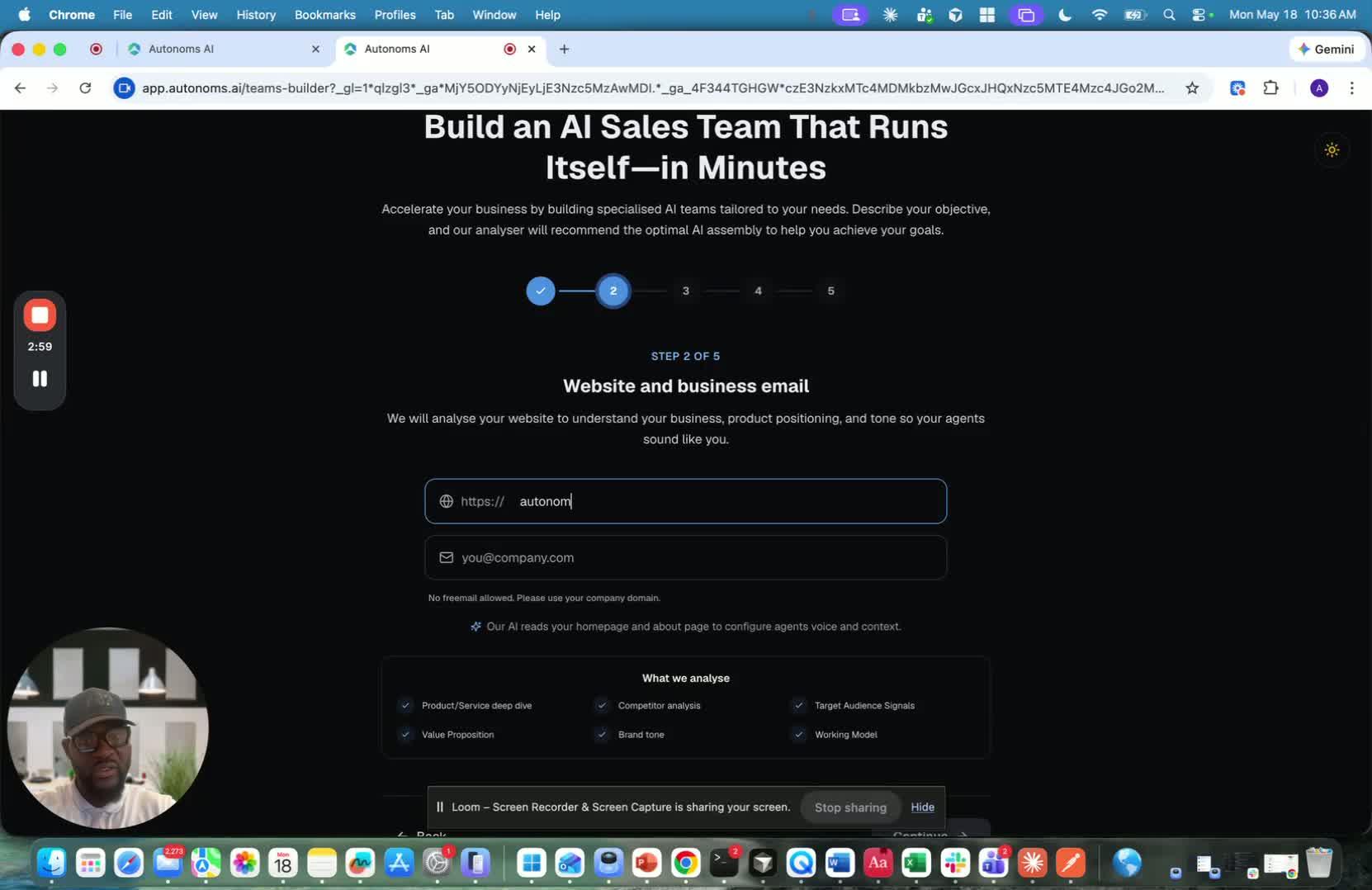
- Provide your website URL.
- The platform uses your site to:
- Learn about your company
- Scrape relevant business information
- Understand your messaging
- Research competitors and market positioning
- This helps the AI build a more accurate team and strategy.
4. Choose your call to action 3:27
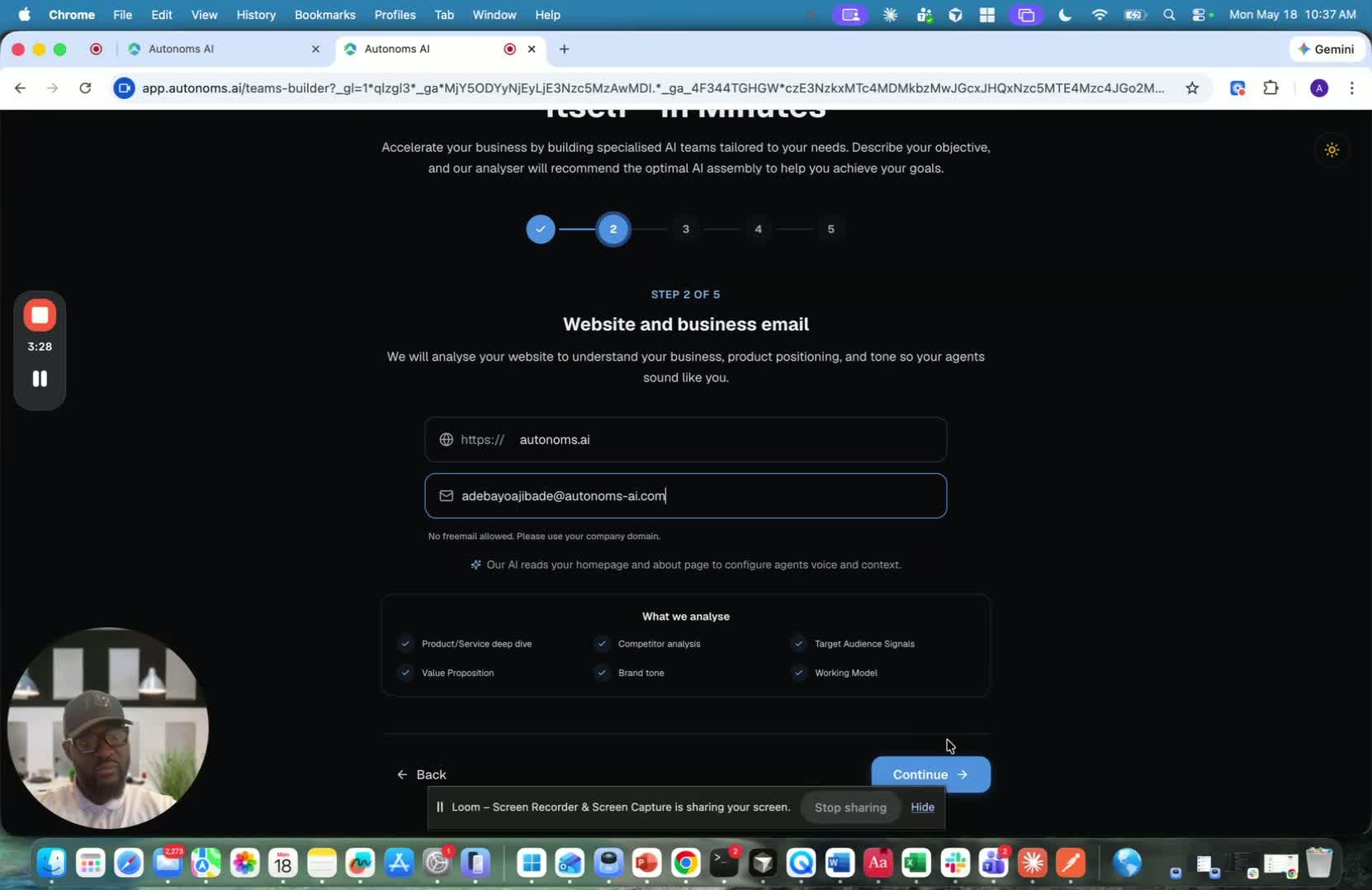
- Select the primary action you want prospects to take.
- Examples mentioned:
- Discovery call
- Request a demo
- Get a quote
- Sign up
- Visit website
- Download a resource
- This tells the AI what conversion outcome it should optimize for.
5. Optionally add industries and job titles 4:32
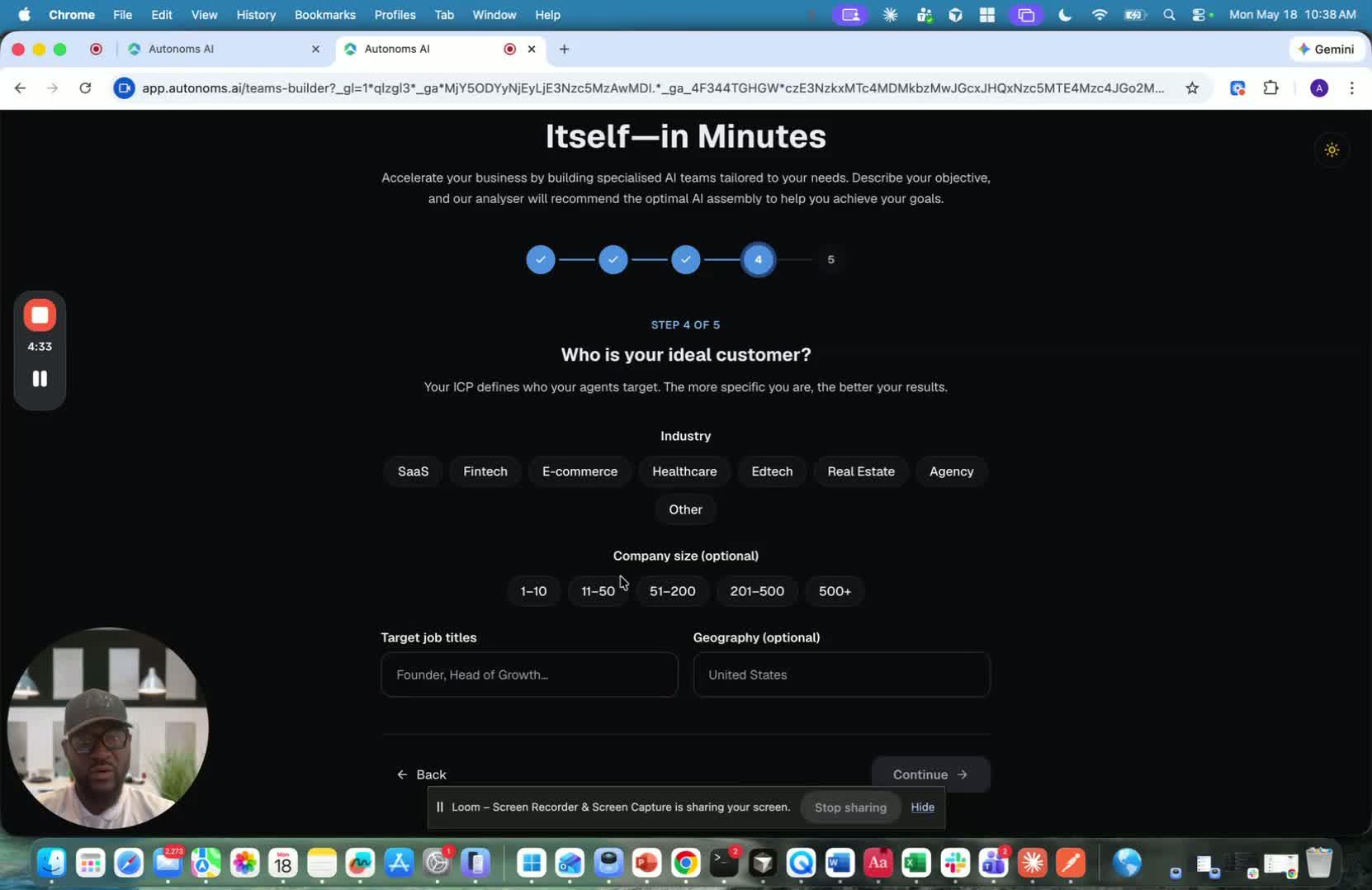
- You can optionally specify target industries.
- You can also add job titles you want to reach, such as:
- Founder
- Head of Growth
- BDRs
- Head of Marketing
- Head of Sales
- Marketing Executives
- These inputs help refine the ICP and outreach strategy, but the system can also infer them automatically.
6. Optionally upload sales documentation or a sales process 5:27
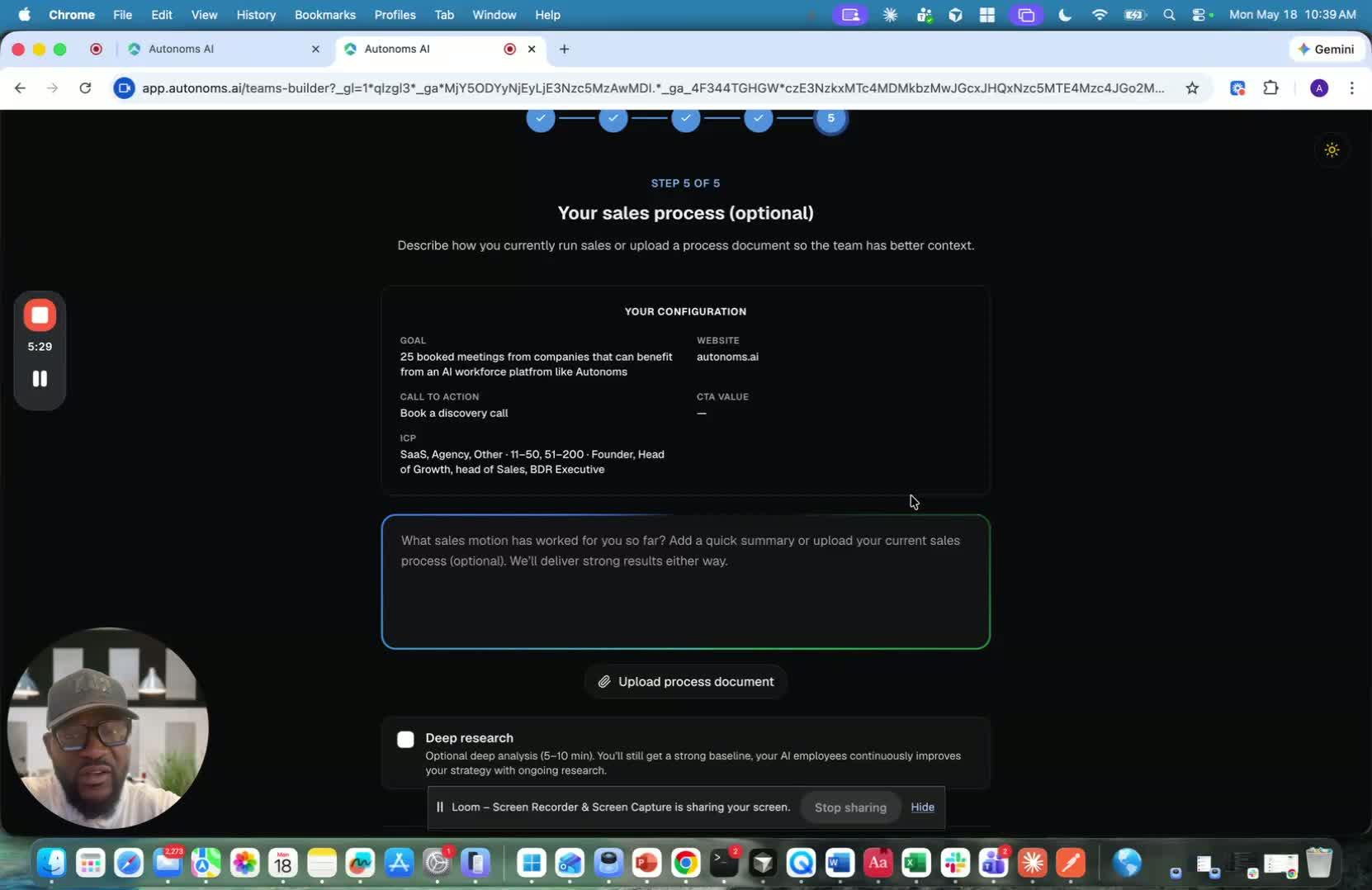
- If you already have a working sales motion, you can upload supporting documents.
- This is especially useful for larger companies with a defined process.
- The AI can use this material to align its outreach and team behavior with your existing playbook.
7. Decide whether to run deep research 5:57
generated-image-at-00:05:57
- Deep research takes longer, around 5 minutes.
- It adds more analysis of:
- Competitors
- Industry
- Product and offer
- ICP
- Growth strategy
- Customer acquisition strategy
- This becomes the foundation the AI employees use to do their work.
- If you skip it, the system can still continue and fill in details later.
8. Let the AI onboarding team build your setup 7:12
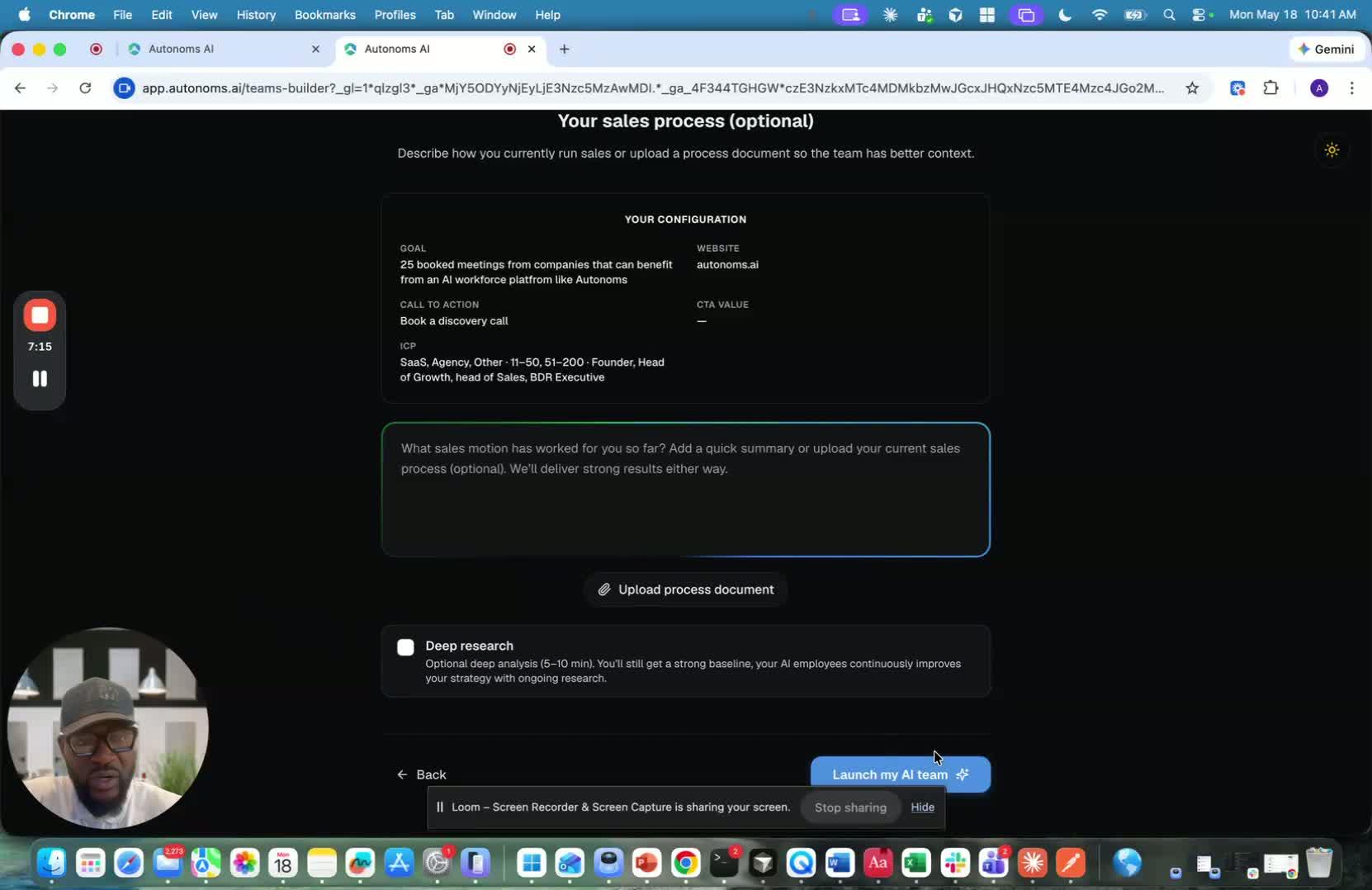
- The platform uses AI agents to handle onboarding tasks in the background.
- During this stage, the system may be doing:
- Company research
- Competitive research
- Team building
- Pipeline setup
- Growth plan creation
- You can watch progress in the live activity log as tasks are completed.
9. Review the generated company summary and team recommendations 8:16
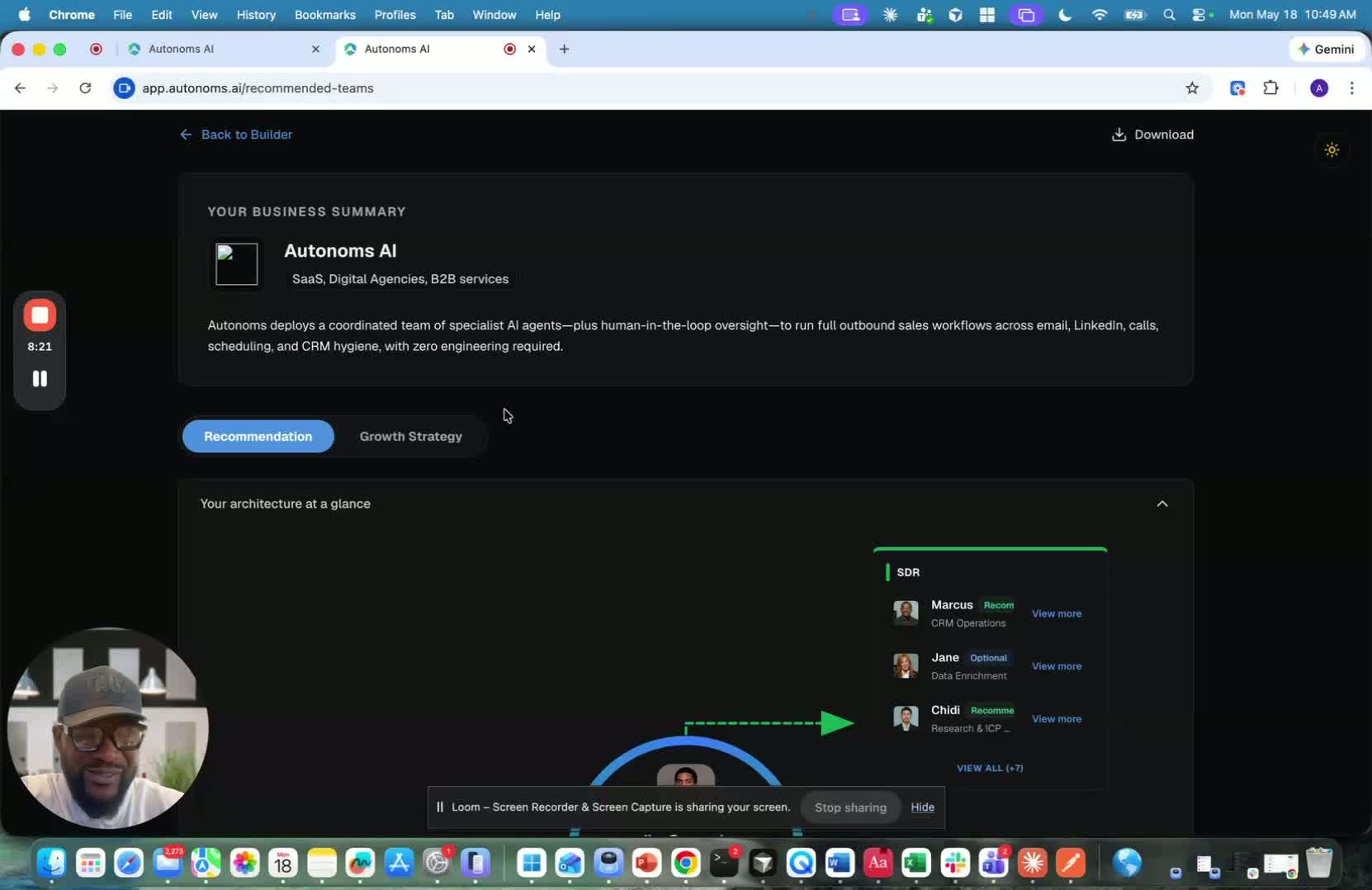
- After onboarding, the system summarizes your company based on the website and inputs.
- It then recommends a tailored AI team to help you reach your goal.
- The recommendations include named agents with specific roles, such as:
- CRM operations
- Data enrichment
- Research
- ICP qualification
- Some agents are required, while others are optional.
10. Understand the role of the data hub and human-in-the-loop support 9:00
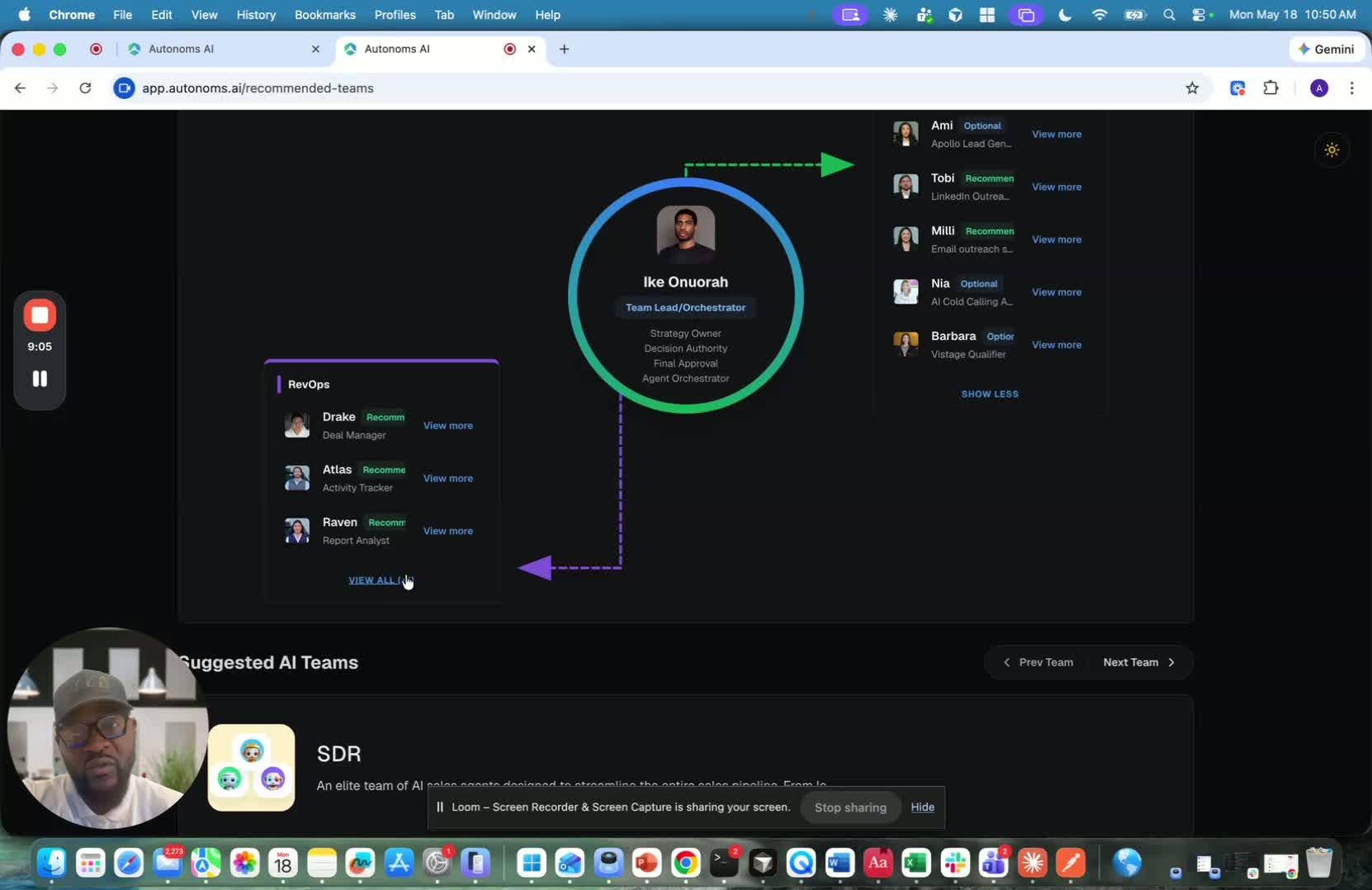
- The platform uses a data hub to store the information the team needs.
- For sales teams, this functions like a CRM.
- For other team types, it could act like an ATS or triage system.
- The system also assigns a human-in-the-loop to help govern the AI team.
- That human can assist with:
- Bug fixing
- Approvals
- Integrations
- Tool setup
- Building new AI agents
11. Review the AI agents and their capabilities 10:35
generated-image-at-00:10:35
- Each AI agent can introduce itself and explain what it does.
- The platform also shows the tools each agent can use.
- These agents are personalized to your company and goal.
- The setup is designed so the team can operate with the right context from day one.
12. Use the generated growth strategy and outreach playbook 10:52
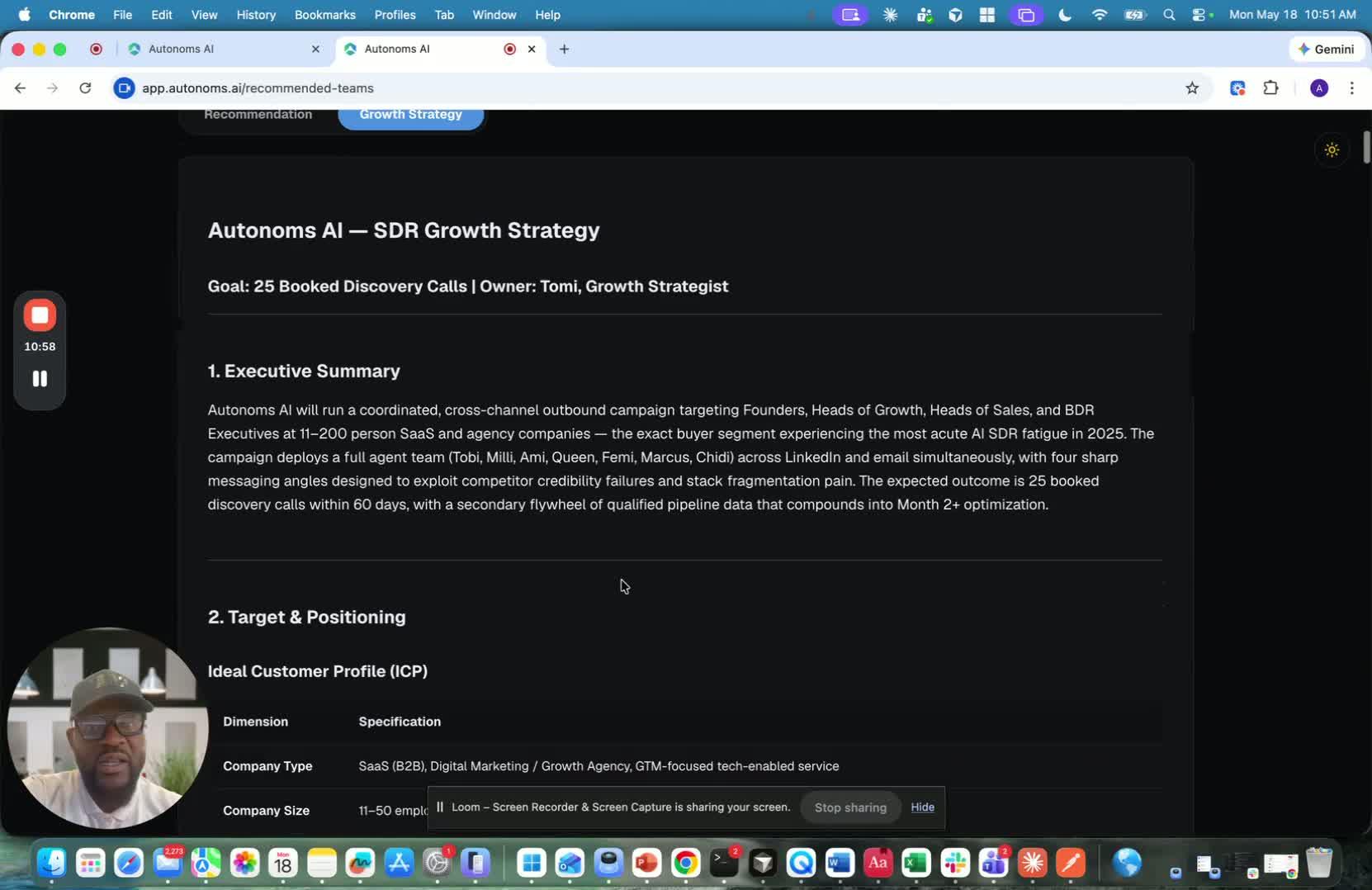
- The platform creates a detailed growth strategy or customer acquisition playbook.
- It includes:
- Ideal customer profile
- Negative ICP
- Competitive positioning
- Outreach sequence
- Follow-up timing
- Messaging guidance
- The playbook is highly personalized and updated regularly.
- Outreach messages are tailored to each prospect to improve engagement and click rates.
13. Download the playbook and continue to platform onboarding 13:27
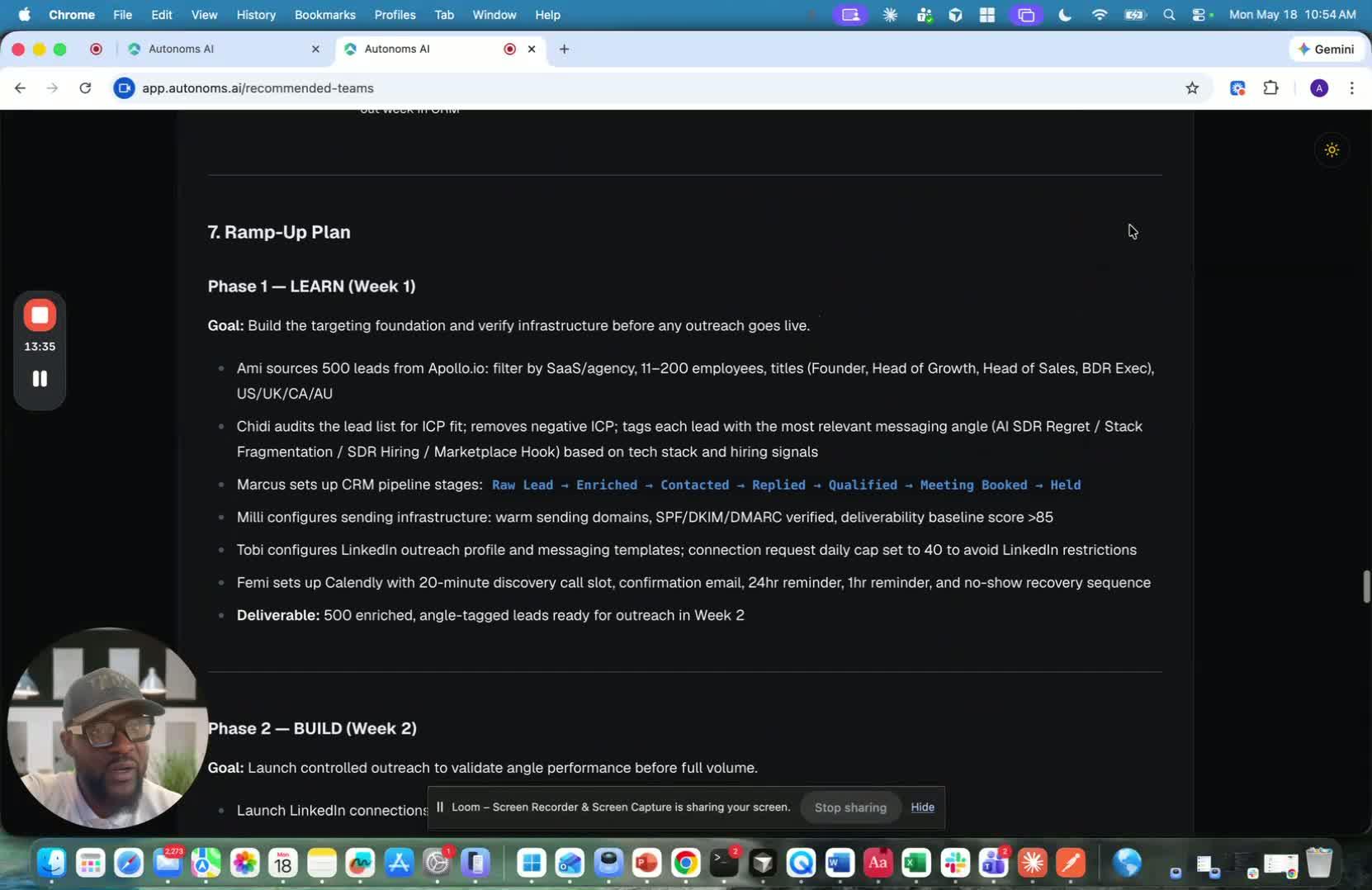
- You can download the playbook for later use.
- The video then transitions to the next step: signing up and onboarding on the Autonomous platform.
- The next phase will cover provisioning your environment and continuing setup.