

SOP: Add and Organize AI Agents in the Agent Store
Key Steps
1. Identify the need for a new AI agent 0:00
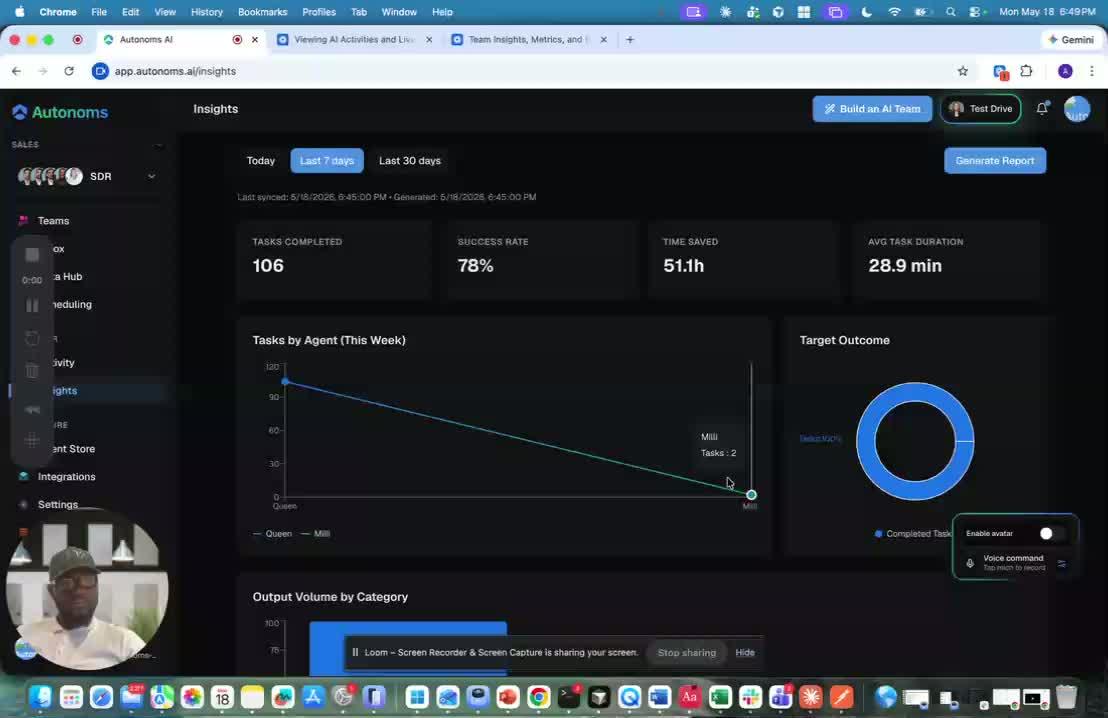
- Review the current operating system or environment to determine what pain point or workflow gap needs to be solved.
- Confirm whether the existing starter agents are sufficient or whether a new agent is needed.
- Define the purpose of the new agent before adding it to the store.
2. Open the agent store to browse available agents 0:16
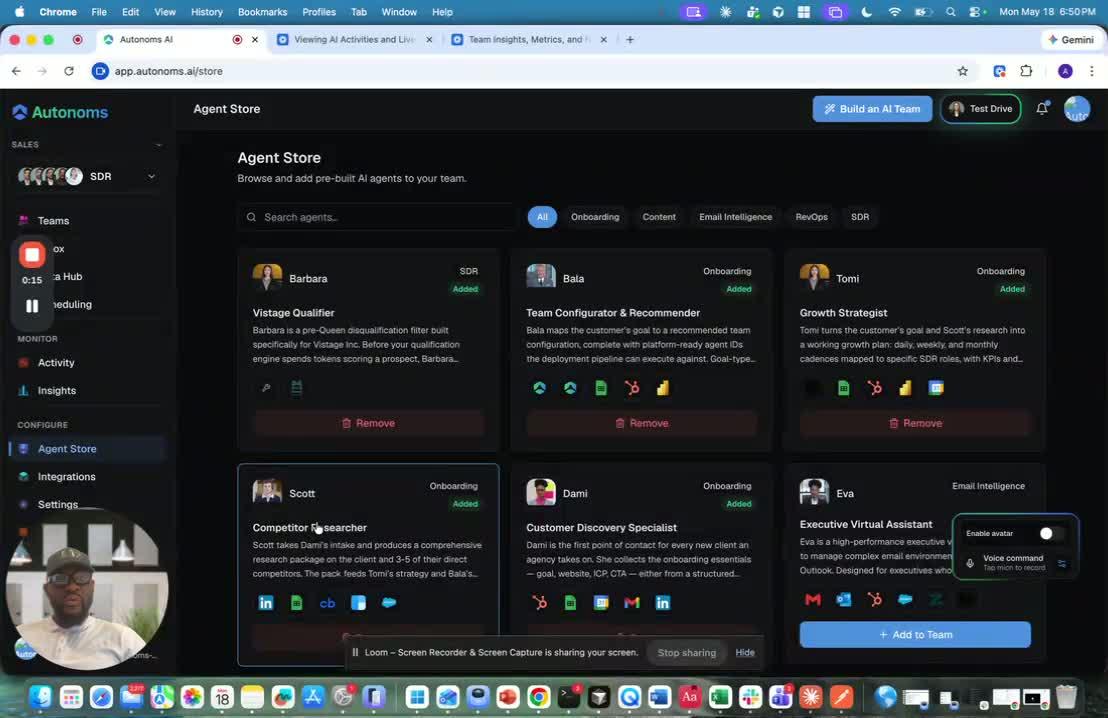
- Access the agent store, which functions like a marketplace for AI agents.
- Review the available agents that can be added to your operating system, private cloud, or environment.
- Select agents that align with the team’s goals and operational needs.
3. Determine where the new agent belongs in the company structure 0:32
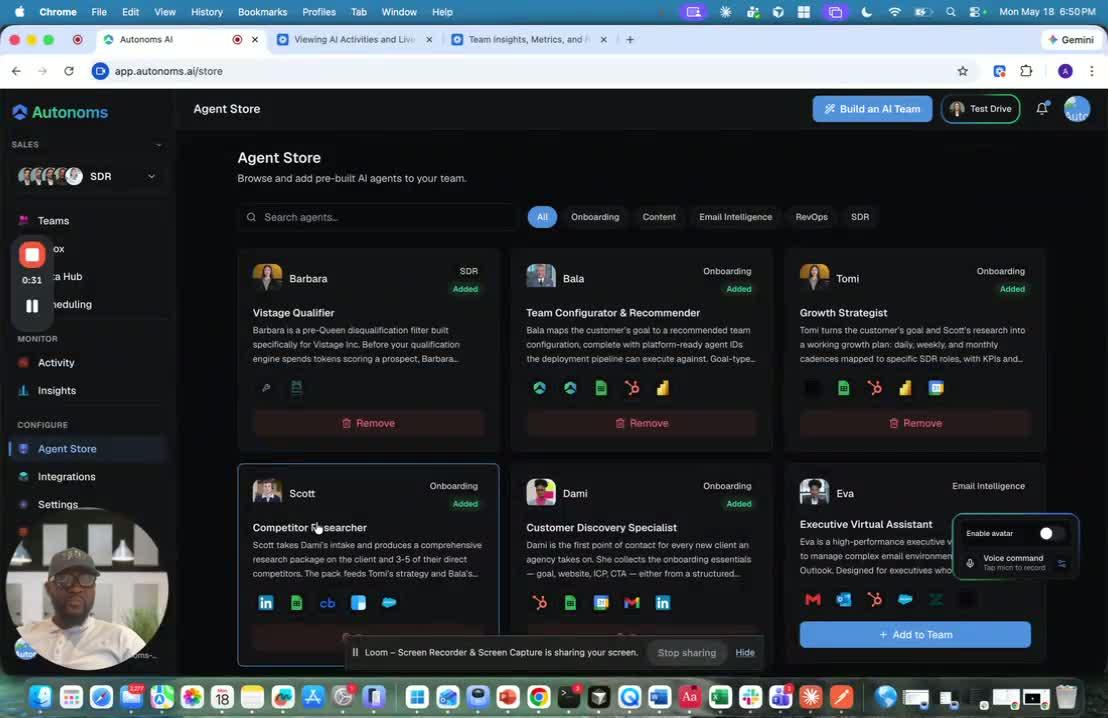
- Check whether the new agent fits into an existing organization or team.
- Let the system identify the correct org, team, or branch based on the current structure.
- If the agent does not fit an existing structure, allow the system to create a new branch of the tree.
4. Create a new organization or team when needed 1:42
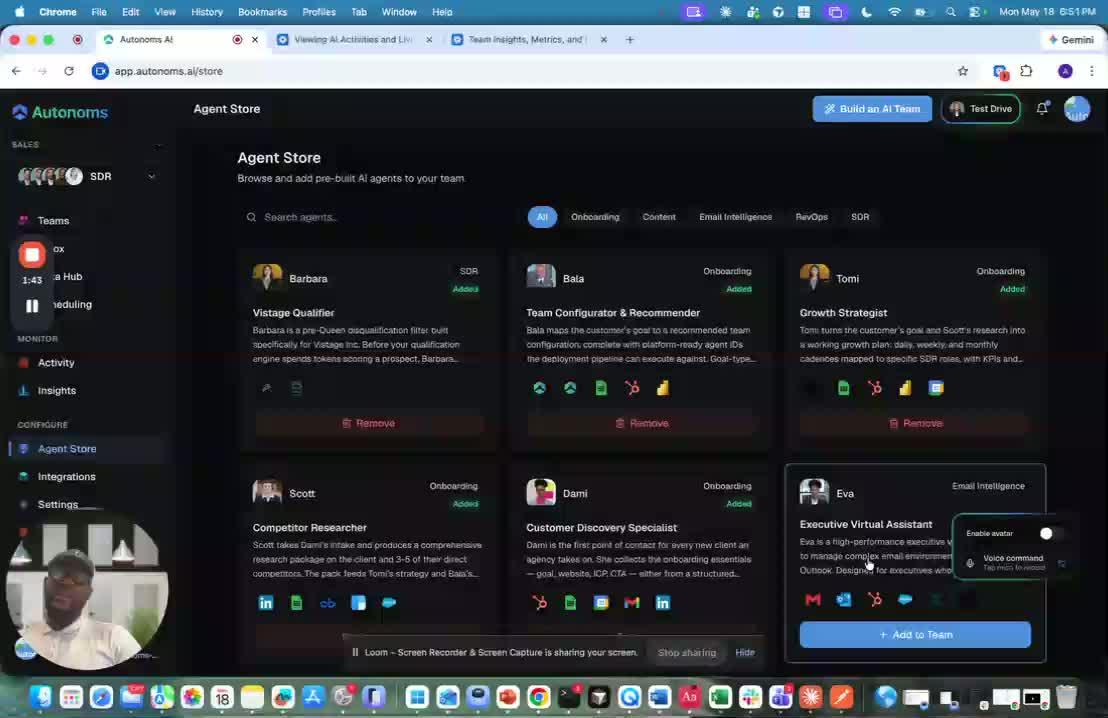
- If the agent represents a new function, create the appropriate organization first.
- Add the relevant team under that organization, such as a marketing org with an Ads team.
- Place specialized agents under the correct team, such as a viral ads finder under the Ads team.
5. Add the agent to the correct team 2:04
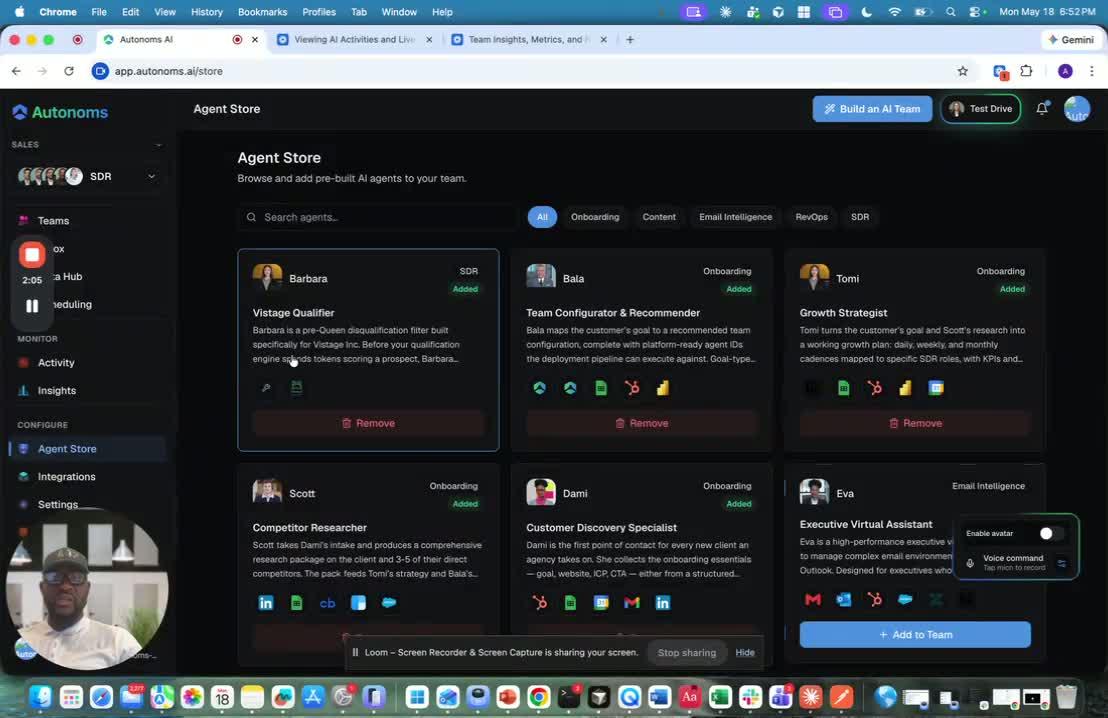
- Confirm the agent has been placed in the right org and team.
- If the structure already exists, use the add-to-team action to assign the agent.
- Treat this step like hiring a new employee into the company.
6. Remove an agent when it is no longer needed 2:15
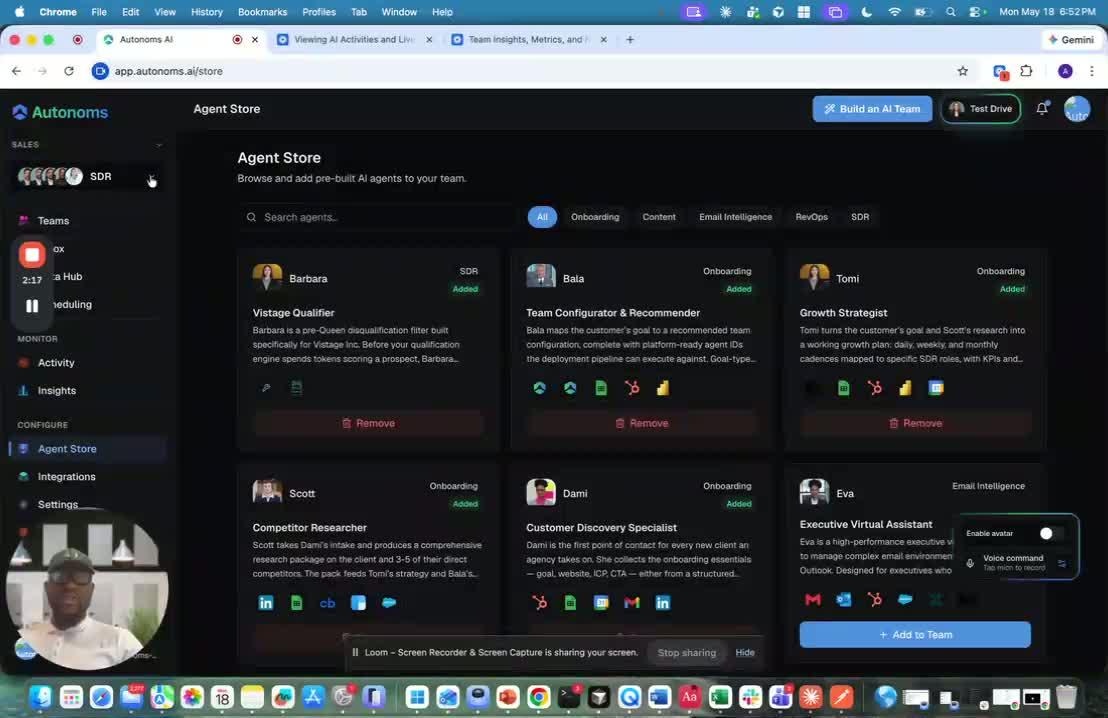
- If an agent is no longer required, remove it from the team.
- Treat removal like firing an employee from the organization.
- Verify that removing the agent does not disrupt dependent workflows.
7. Monitor the store as new agents are released 2:27
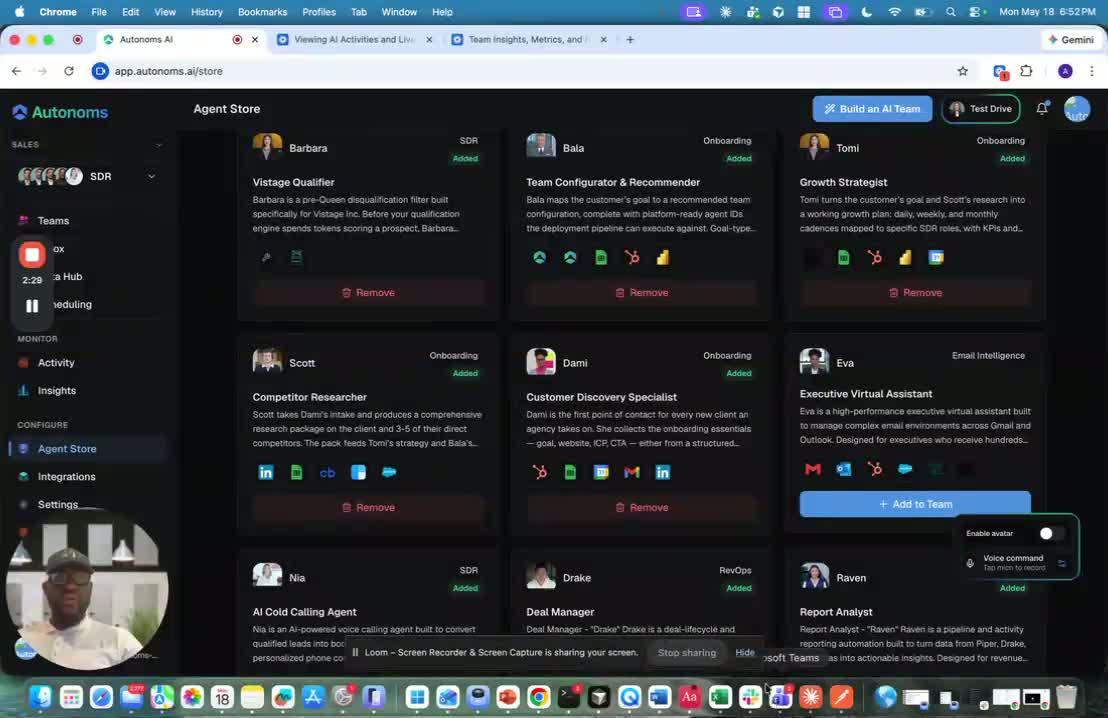
- Expect the agent store to continue growing as more agents are added over time.
- Periodically review the store for new agents that may improve performance or fill new gaps.
- Add new agents as needed to keep the system aligned with evolving business needs.
Cautionary Notes
- Do not add agents without first confirming their purpose and fit within the existing structure.
- Be careful when creating new orgs or teams so the hierarchy stays organized and easy to manage.
- Removing an agent may affect workflows that depend on it, so verify downstream impact before deletion.
- Avoid duplicating agents or teams unless there is a clear operational reason.
Tips for Efficiency
- Use the system’s automatic placement logic whenever possible to reduce manual setup.
- Think of agent management like hiring and firing to keep decisions simple and consistent.
- Standardize naming for orgs, teams, and agents so the structure remains easy to navigate.
- Review the store regularly so you can adopt useful new agents early.
Link to Loom
https://loom.com/share/4ba67ce142eb47999f6b41f96aad6c2c
Understanding the Agent Store and How New AI Agents Are Added
1. What the Agent Store Is For 0:00
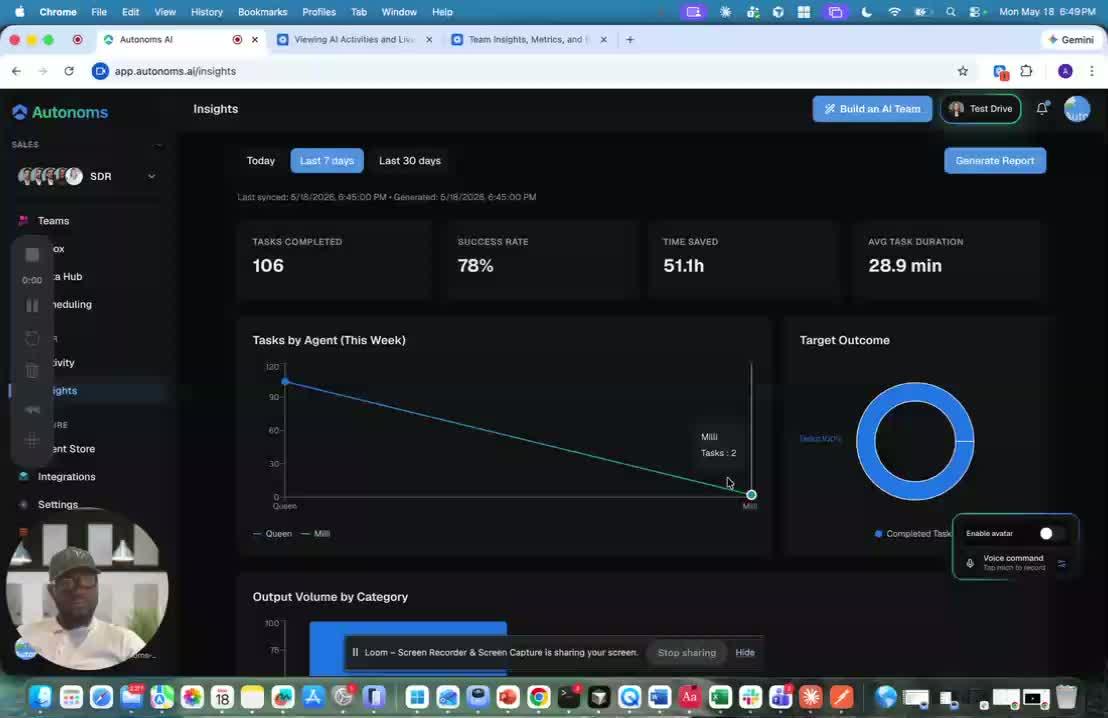
- The video shifts from insights to the Agent Store.
- The Agent Store is described as a marketplace for adding AI agents to your OS, environment, or private cloud.
- These agents are meant to be starter agents: pre-built agents designed to solve specific pain points.
- The broader goal is to expand beyond a single use case (for example, getting 25 leads) into a system where many agents can work together seamlessly.
2. Why the Store Exists 0:16
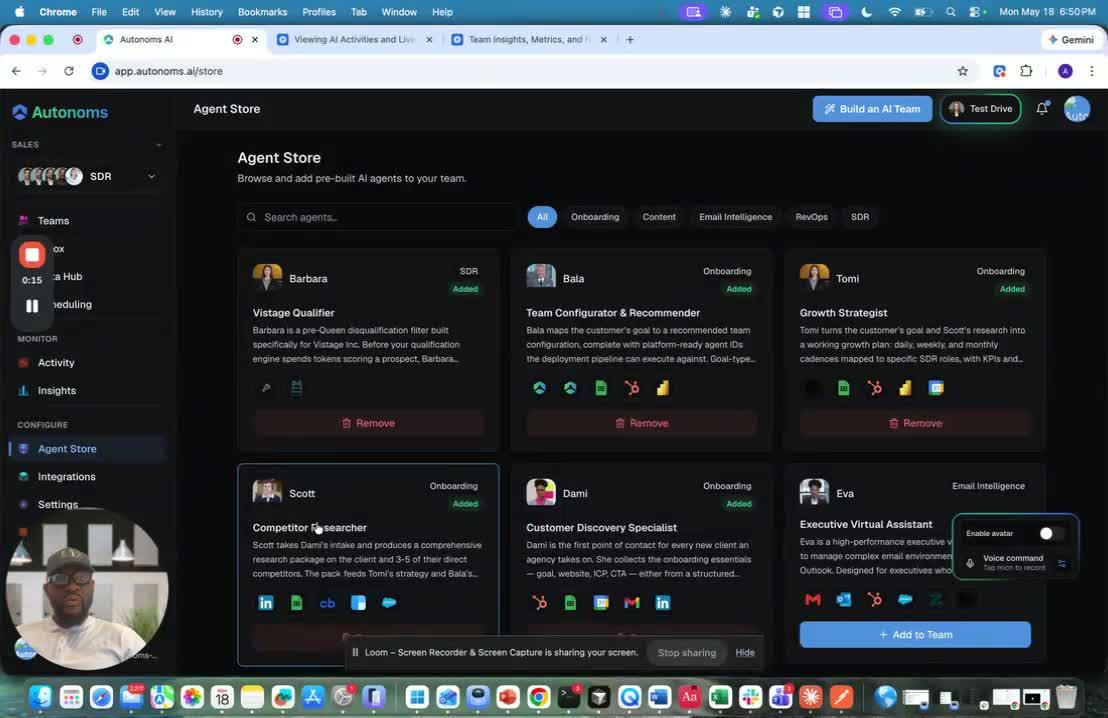
- As the platform grows, users will need more and more agents that can operate within the same infrastructure.
- These agents should share:
- the same framework
- the same named-agent structure
- the same routines and collaboration model
- the same private-property / inter-agent setup
- The store makes it easy to keep adding agents without breaking the existing system.
3. How the Marketplace Adds a New Agent 1:02
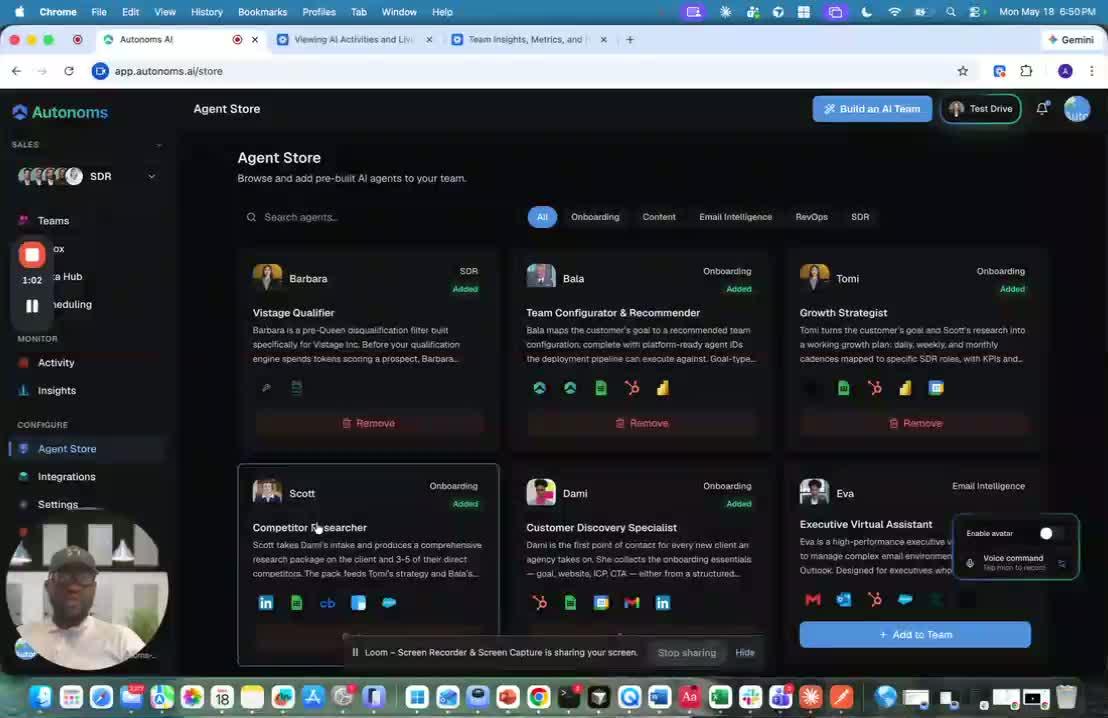
- The store works like a marketplace where you can add AI agents.
- When you add a new agent, the system automatically determines:
- which team it belongs to
- which organization it belongs to
- where it fits in the current hierarchy
- This removes the need to manually place every new agent in the structure.
4. How the System Handles Existing vs. New Structure 1:28
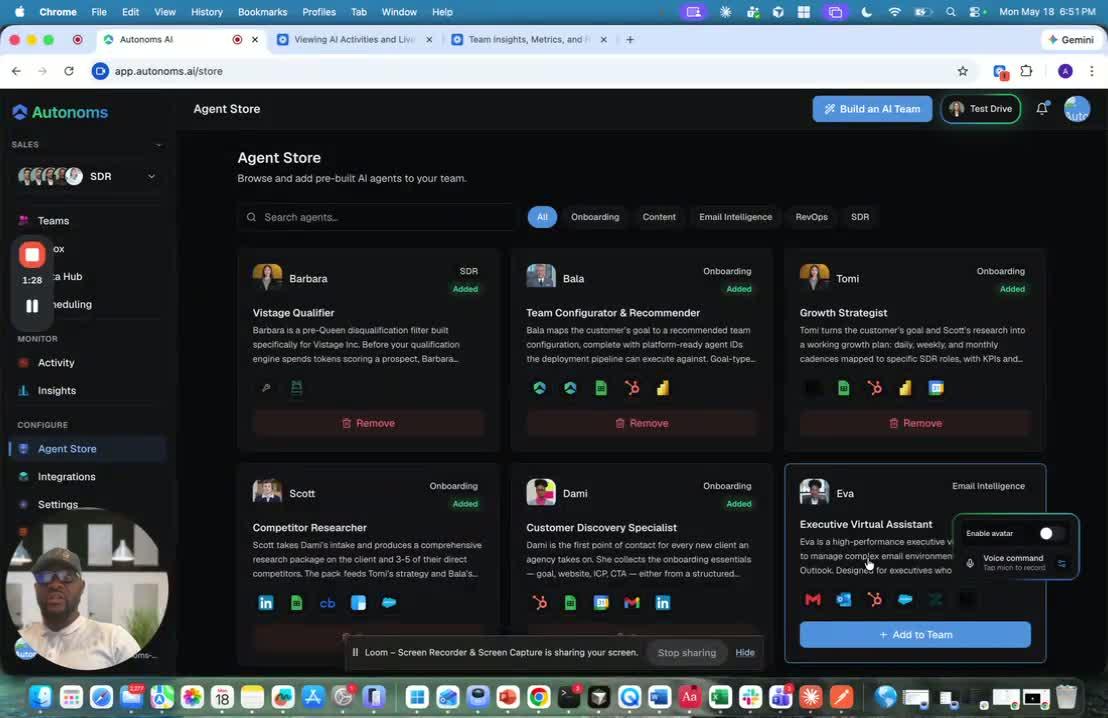
- If the new agent fits into an existing org/team, the OS places it there automatically.
- If no matching structure exists, the OS creates the missing branch in the hierarchy.
- Example given:
- create a new marketing organization
- add a marketing team called Ads
- place a specialized agent like a viral ads finder under that team
- In other words, the platform can both fit into existing structure and build new structure when needed.
5. What the User Sees and Does 2:04
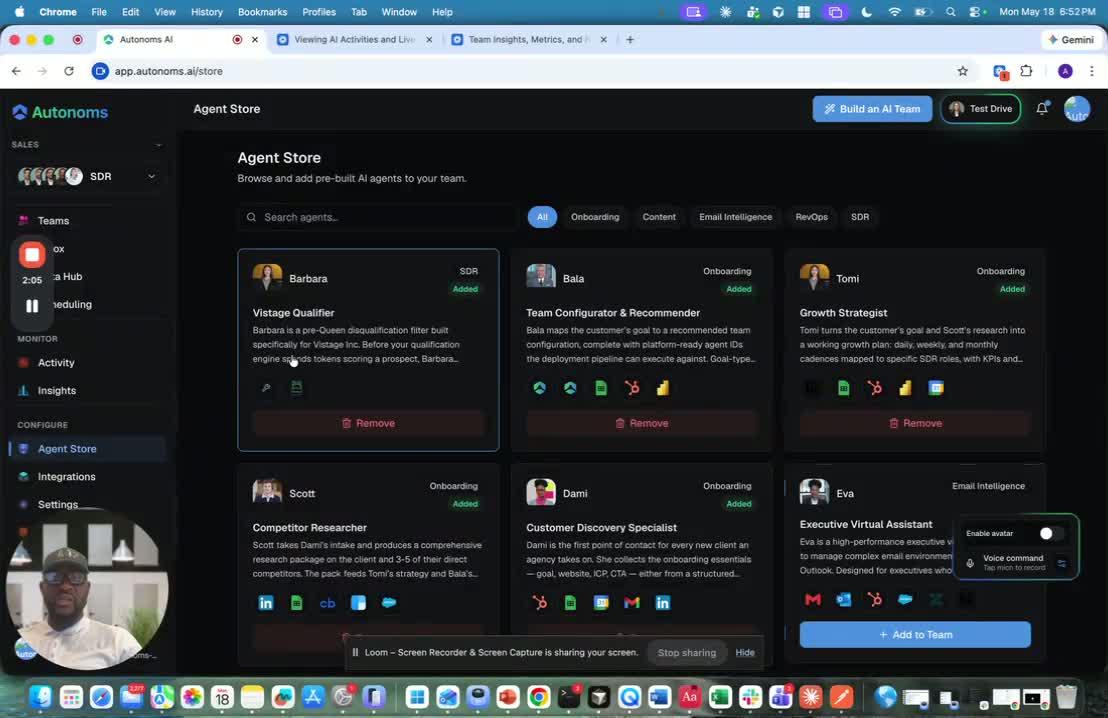
- The OS handles the structure behind the scenes.
- If a new org or team is created, the user will see it appear in the interface.
- If the agent belongs to an existing team, the user only needs to:
- add the agent to a team
- or remove it, similar to hiring or firing a person
- The experience is meant to feel like managing a real company org chart.
6. The Store Will Keep Growing 2:27
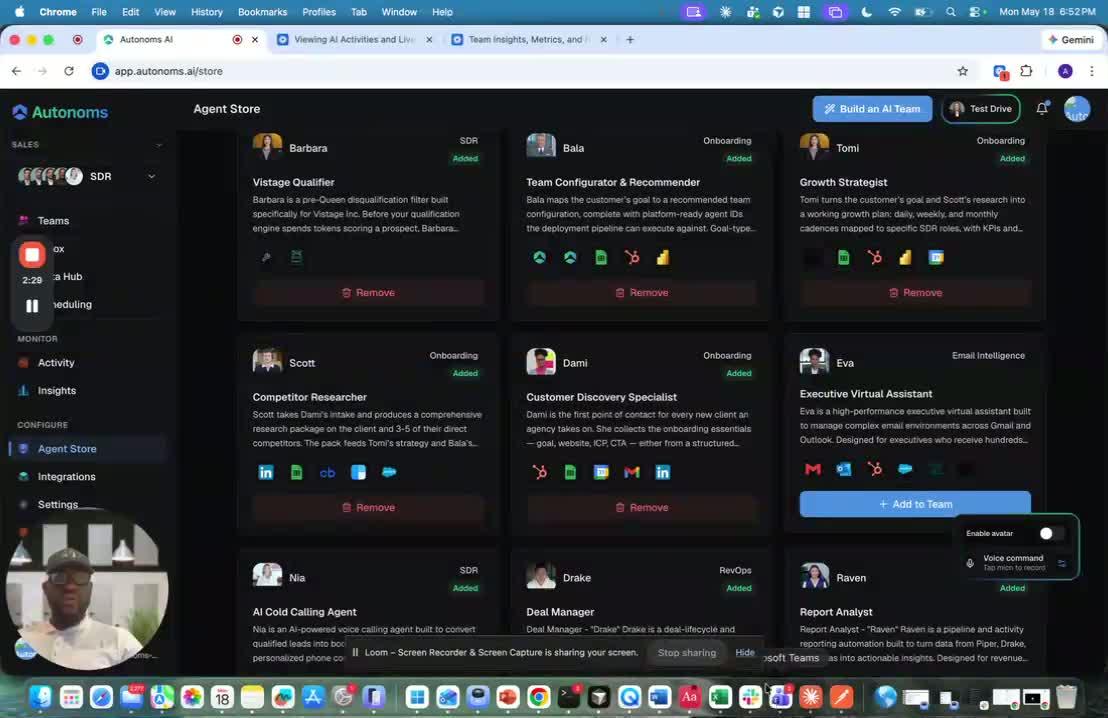
- New AI agents will continue appearing in the store over time.
- The store is expected to fill up quickly because the team plans to build many more agents.
- The video ends by noting that the next topic will be integrations.