

SOP: Creating and Managing a Workspace for Agency or Multi-Company Sales Operations
Key Steps
1. Determine Whether a Workspace Is Needed 0:00
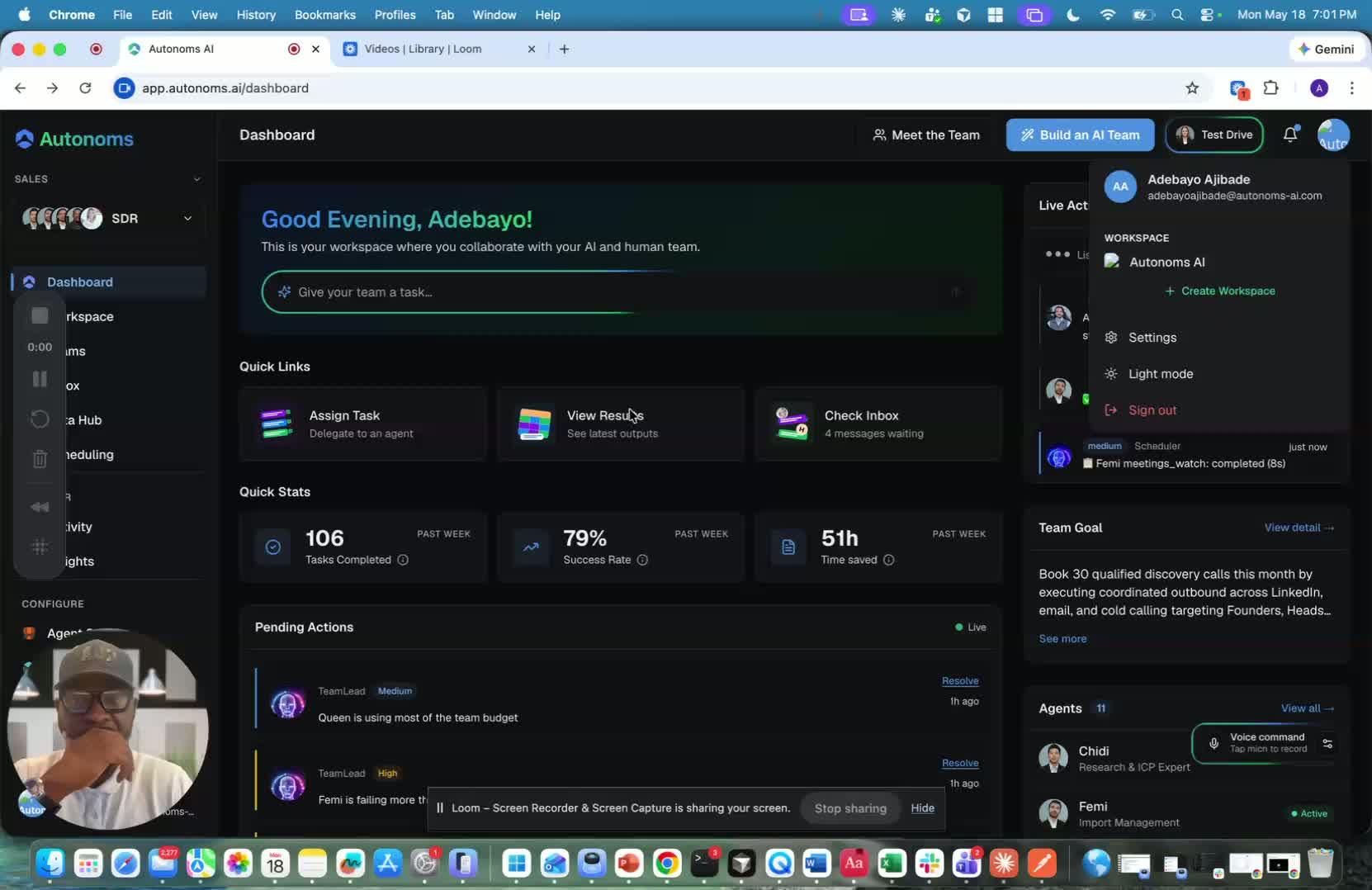
- Confirm the use case is for an agency, company manager, or sales team managing another company’s outreach.
- Use a Workspace when you need an isolated environment for a separate company, client, or sales motion.
- Treat each Workspace as its own company context with its own goals, ICP, offer, and industry.
2. Understand the Workspace Structure and Access Model 0:12
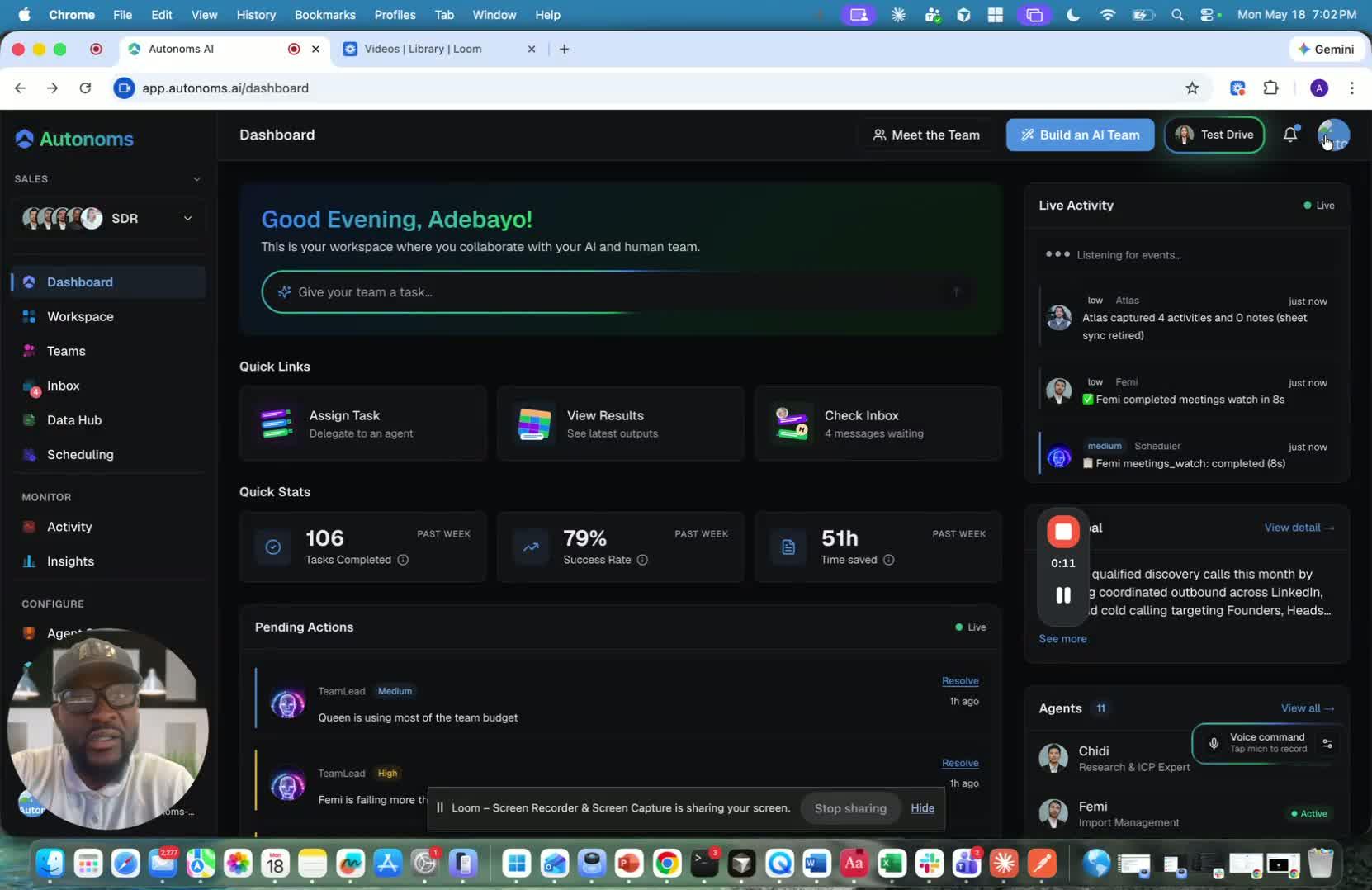
- Recognize that a Workspace functions like a separate company instance.
- Understand that you can still log in and retain access to the Workspace you manage.
- If you manage multiple Workspaces, expect to see a workspace switcher for moving between them.
3. Create a New Workspace 0:48
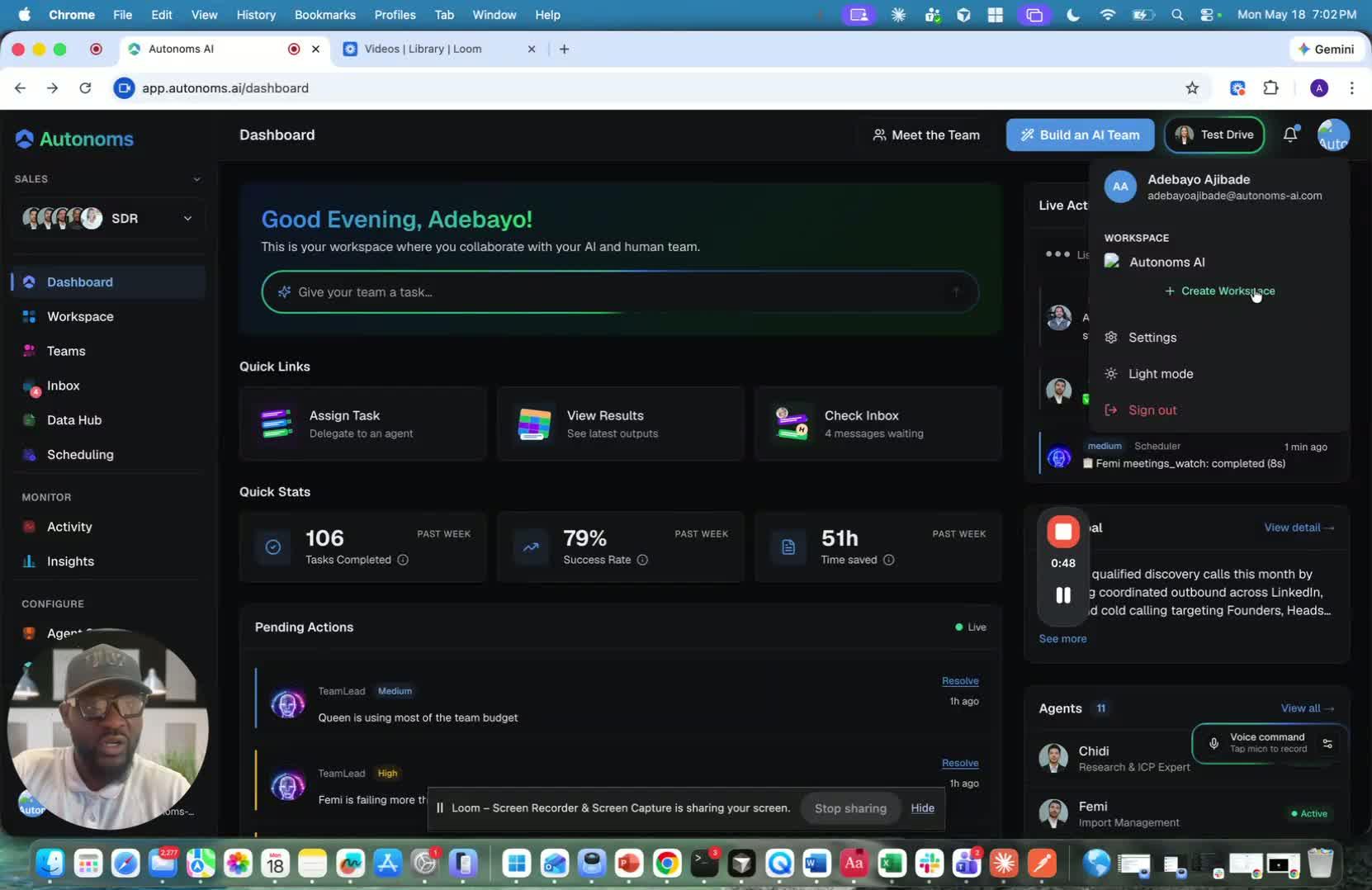
- Select the option to create a workspace and begin the setup flow.
- Follow the same general setup process used when creating a company.
- Enter the new Workspace as a new instance with its own identity and operating context.
4. Define the Workspace’s Business Context 1:04
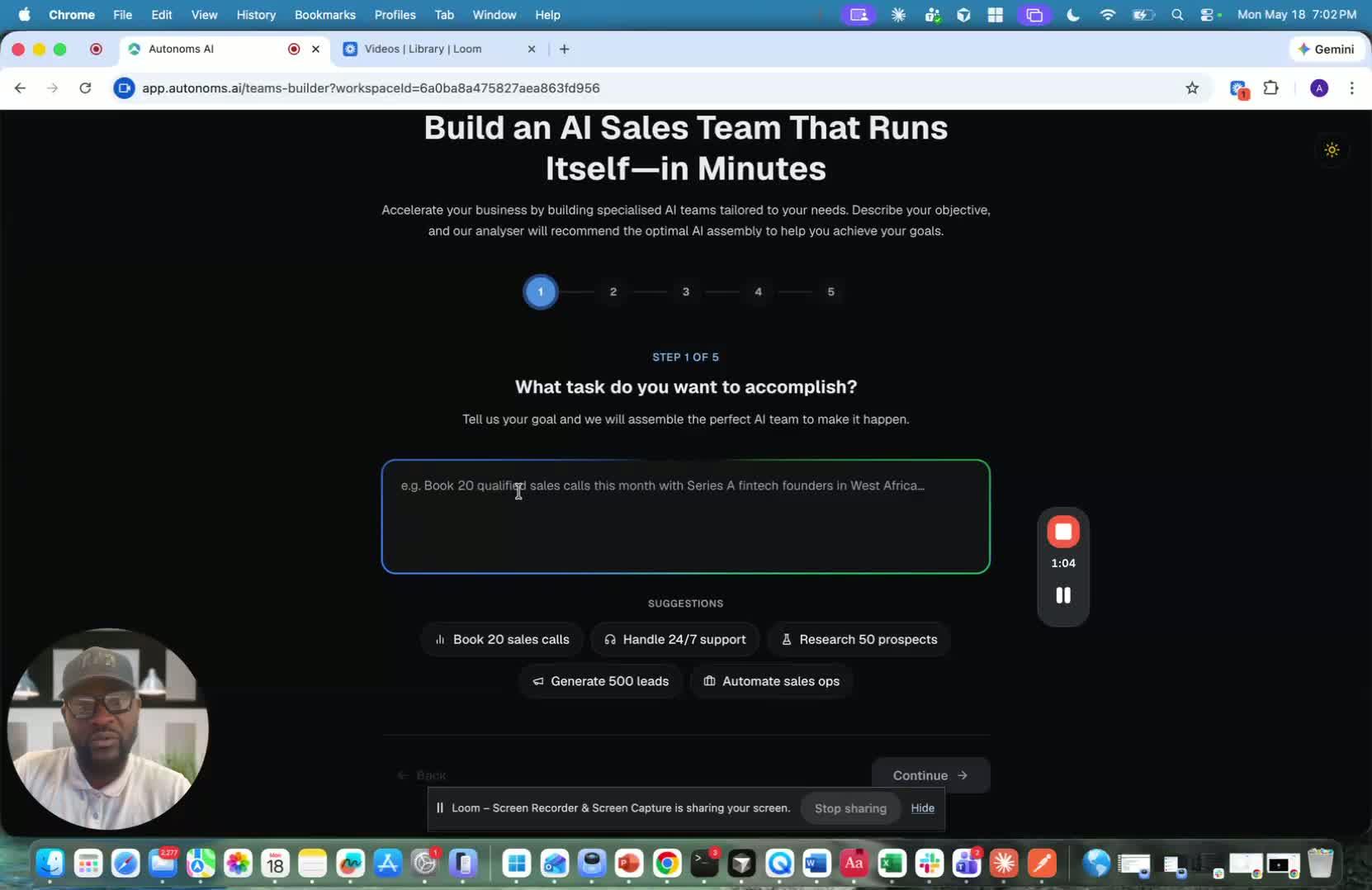
- Set the Workspace’s:
- Goals
- ICP (Ideal Customer Profile)
- Offer
- Industry
- Make sure the information reflects the specific company or client being managed.
- Use this step to clearly separate the Workspace from other company environments.
5. Manage and Switch Between Multiple Workspaces 1:21
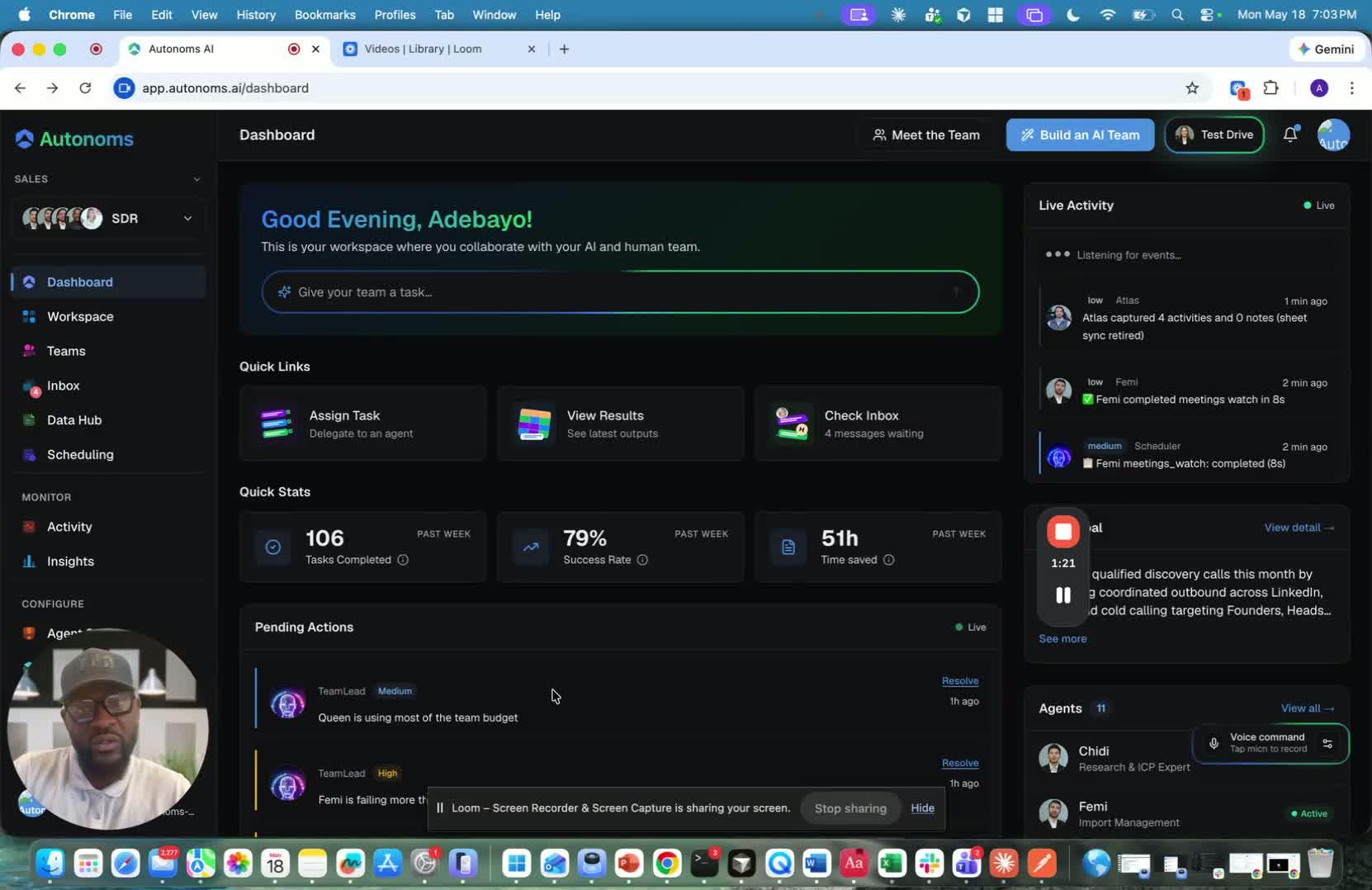
- Use the Workspace switcher to move between different client or company environments.
- Confirm you are operating in the correct Workspace before making changes.
- Keep each Workspace organized so the data, outreach, and settings remain isolated.
6. Assign the Correct Team and Permissions 1:40
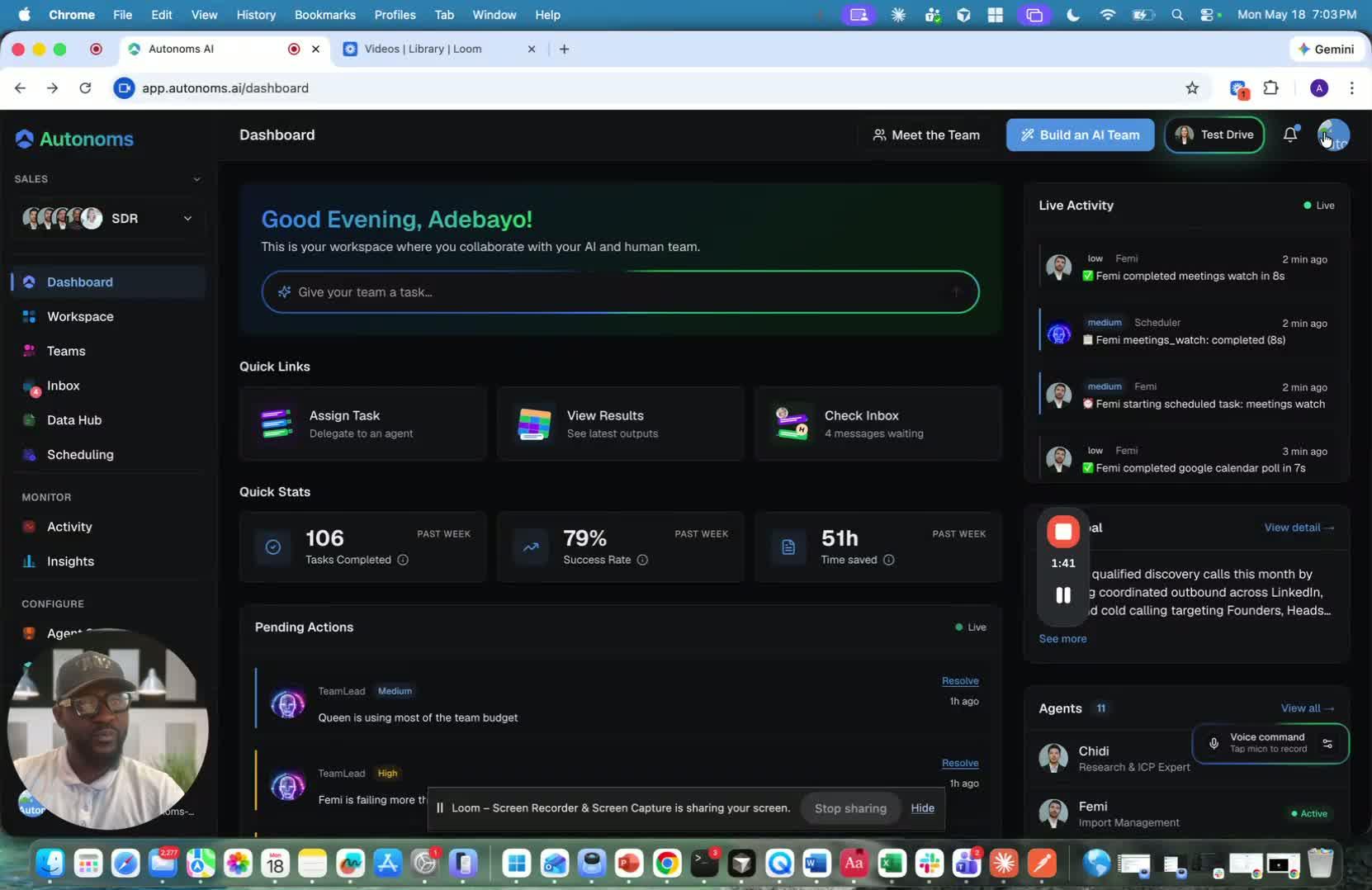
- Add employees or team members based on the specific company goals.
- Ensure each Workspace has the appropriate people assigned to it.
- Maintain separate employee sets when different companies require different support teams.
Cautionary Notes
- Do not mix data, outreach, or settings between Workspaces.
- Always verify you are in the correct Workspace before editing campaigns, contacts, or company settings.
- Remember that each Workspace is treated as a separate environment, so changes should be made intentionally.
- If managing multiple clients, keep access and responsibilities clearly separated to avoid confusion.
Tips for Efficiency
- Standardize your setup process so each new Workspace follows the same structure.
- Use clear naming conventions for Workspaces to make switching easier.
- Document the goals, ICP, offer, and industry for each Workspace immediately after creation.
- Limit access to only the team members who need it for that specific company.
- Review the Workspace switcher regularly to ensure you are working in the right environment.
Link to Loom
https://loom.com/share/2f7272b714fb4fe78a8a59253df772c1
Workspace Overview: Managing Multiple Client Companies in Separate Environments
1. Understand what Workspace is for 0:00

- Workspace is designed for agencies and companies that manage other companies.
- It also fits sales teams that manage the outreach and sales motion for multiple businesses.
- The core idea is to give each client/company its own isolated environment.
2. Treat each workspace like its own company 0:12
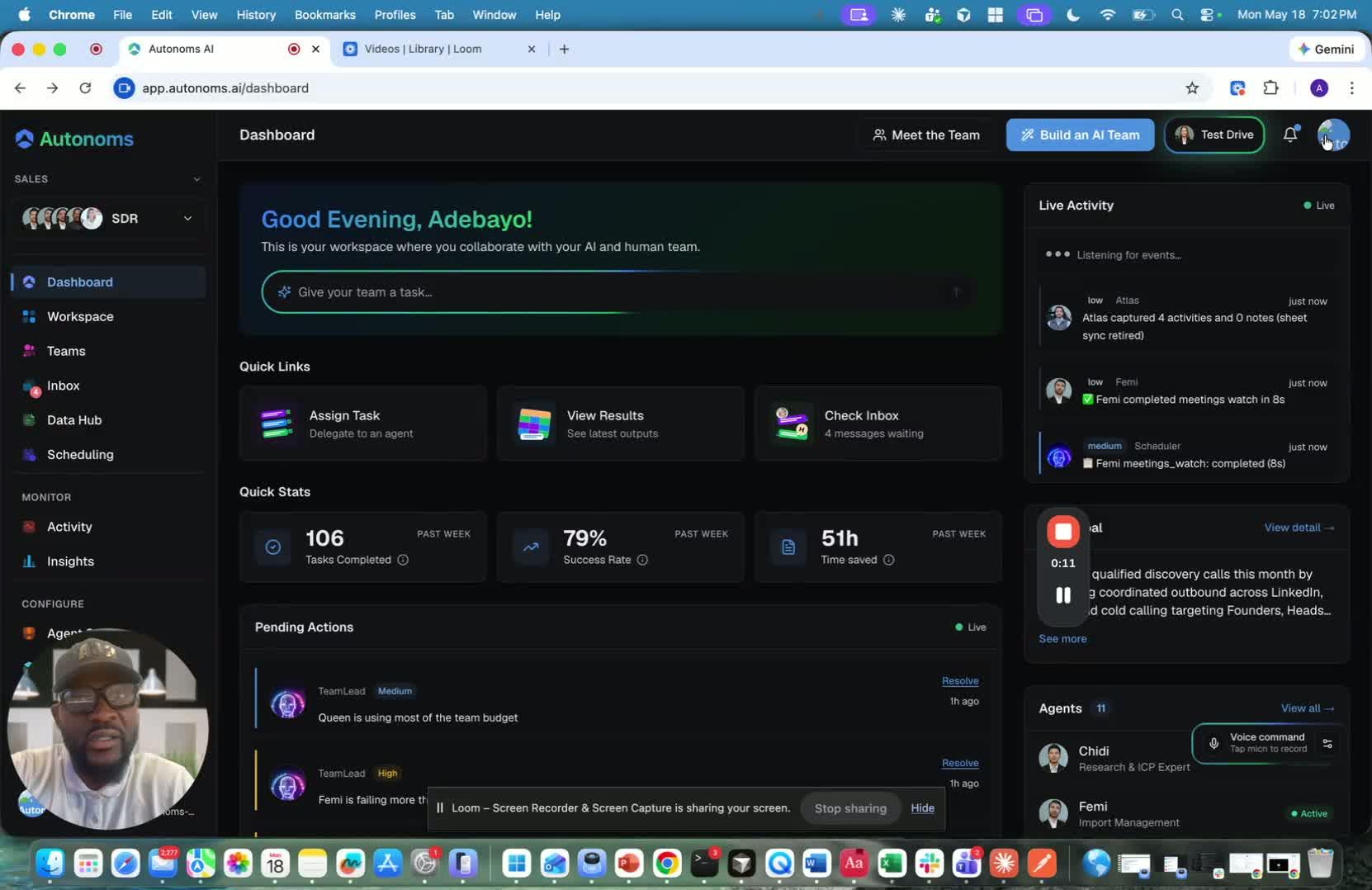
- A workspace functions like a separate company instance.
- You can think of it as its own environment, data set, ICP, offer, and industry context.
- Even though it is isolated, you still retain access to it as the managing agency or operator.
3. Switch between workspaces when managing multiple clients 0:26
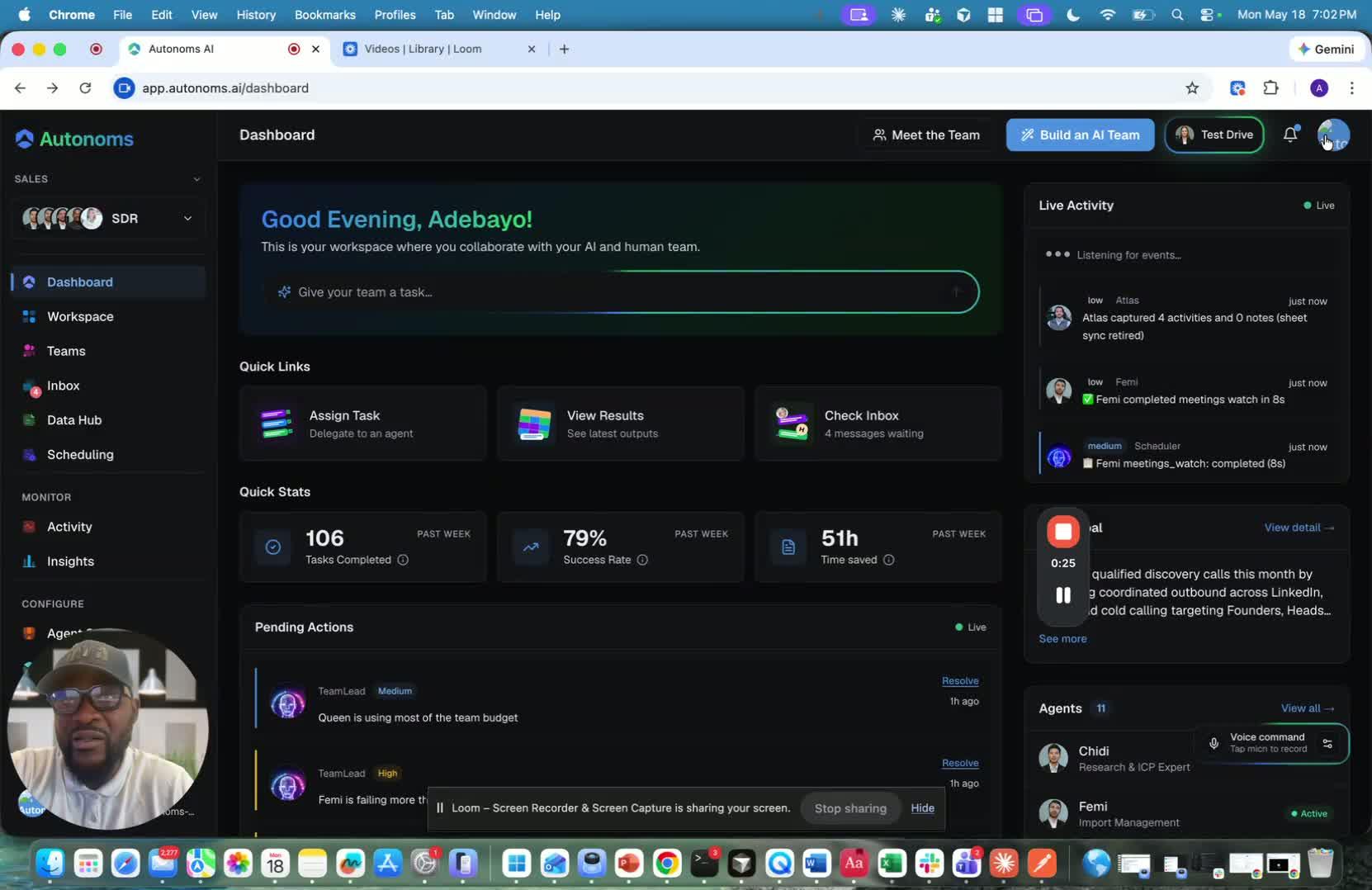
- If you have access to more than one workspace, you’ll see a way to switch between them.
- This lets you move from one client/company context to another without losing access.
- The workflow is meant to support managing Company A, Company B, and beyond from one place.
4. Create a new workspace using the same setup flow as a company 0:48
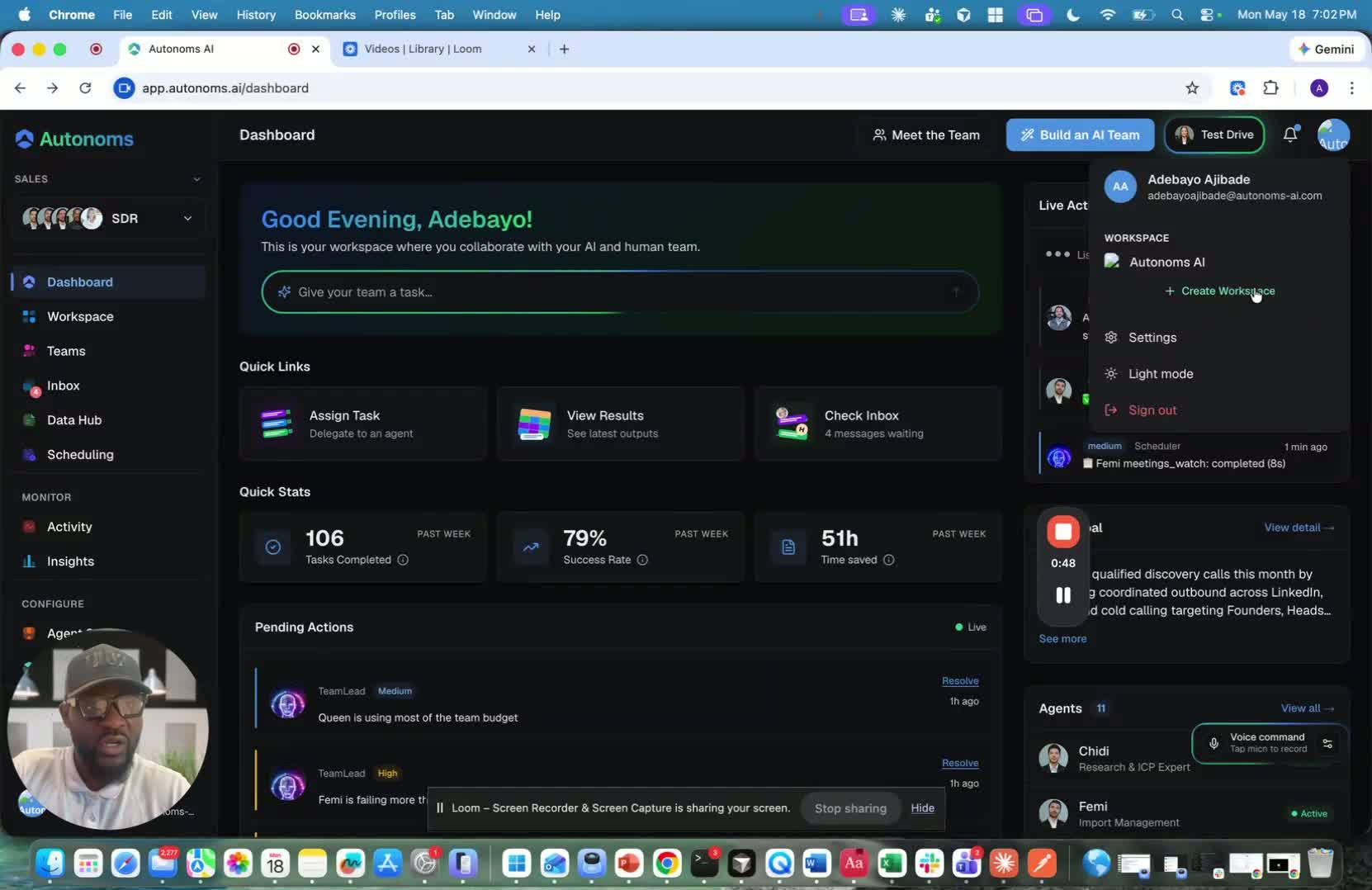
- Creating a workspace is done by following the same onboarding flow used to create a company.
- You’ll define the new workspace’s:
- Goals
- ICP
- Offer
- Industry
- This creates a fresh instance with a new business context.
5. Use workspaces to keep client environments separate 1:04
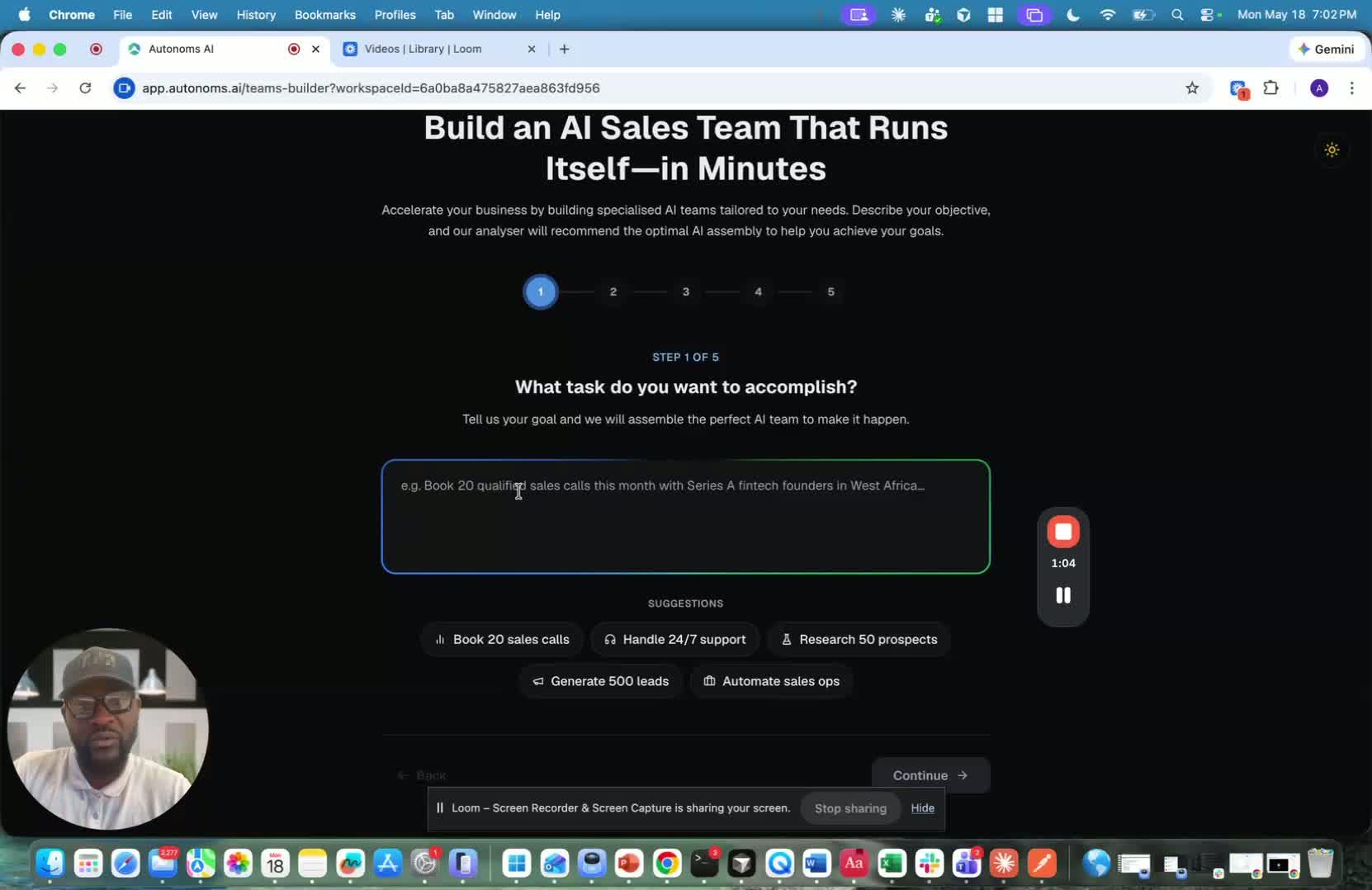
- Each workspace gives the client a totally different environment.
- This separation helps keep data, strategy, and operations organized by company.
- It’s especially useful when each client has a different sales motion or target market.
6. Manage access and billing differently as an agency 1:21
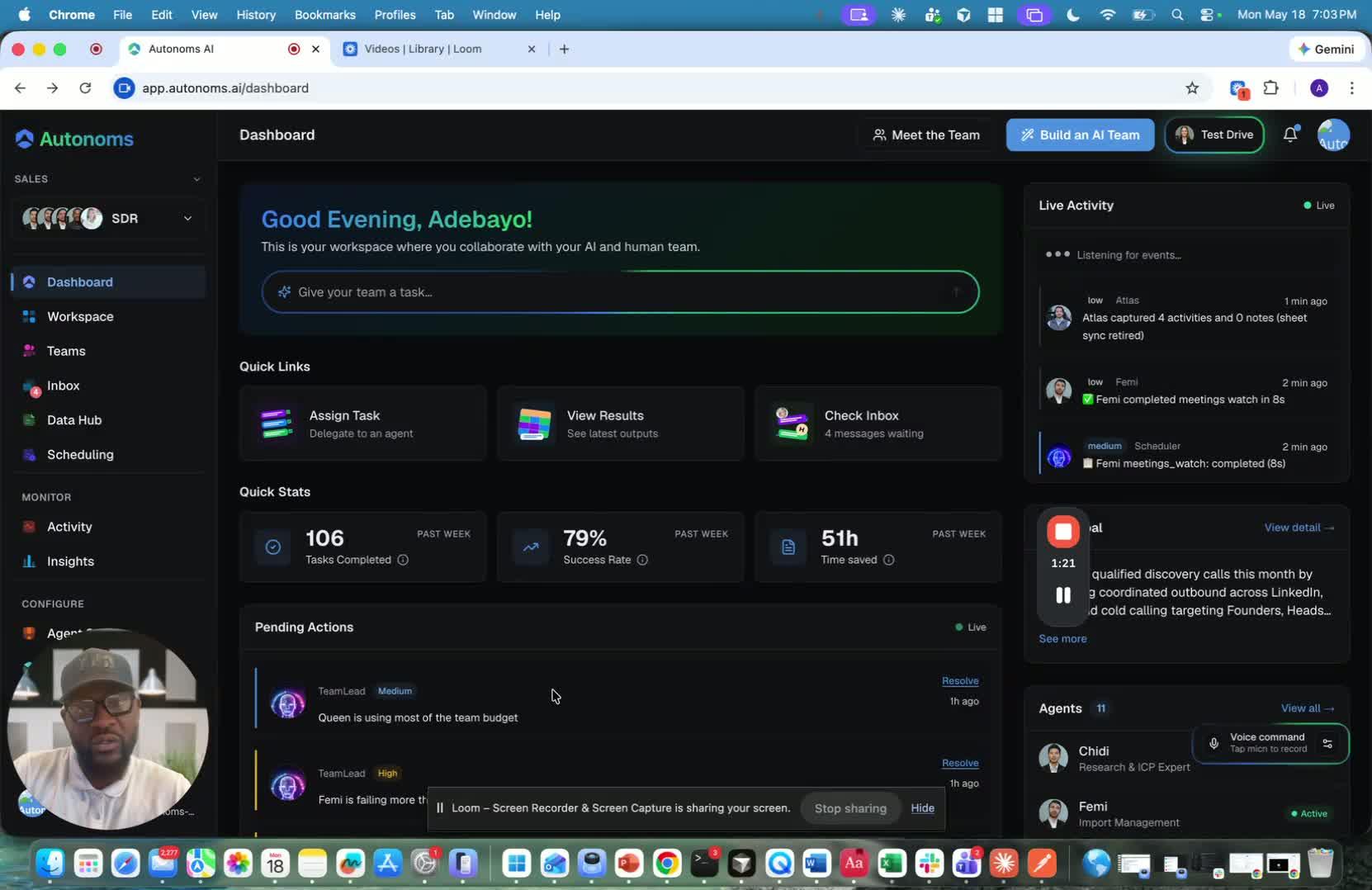
- Unlike a normal company setup, the managing team keeps access to the workspace.
- Workspaces are intended for an agency-style relationship, where you operate on behalf of the client.
- They are also charged differently, reflecting that multi-company management model.
7. Support different employee sets per workspace 1:40
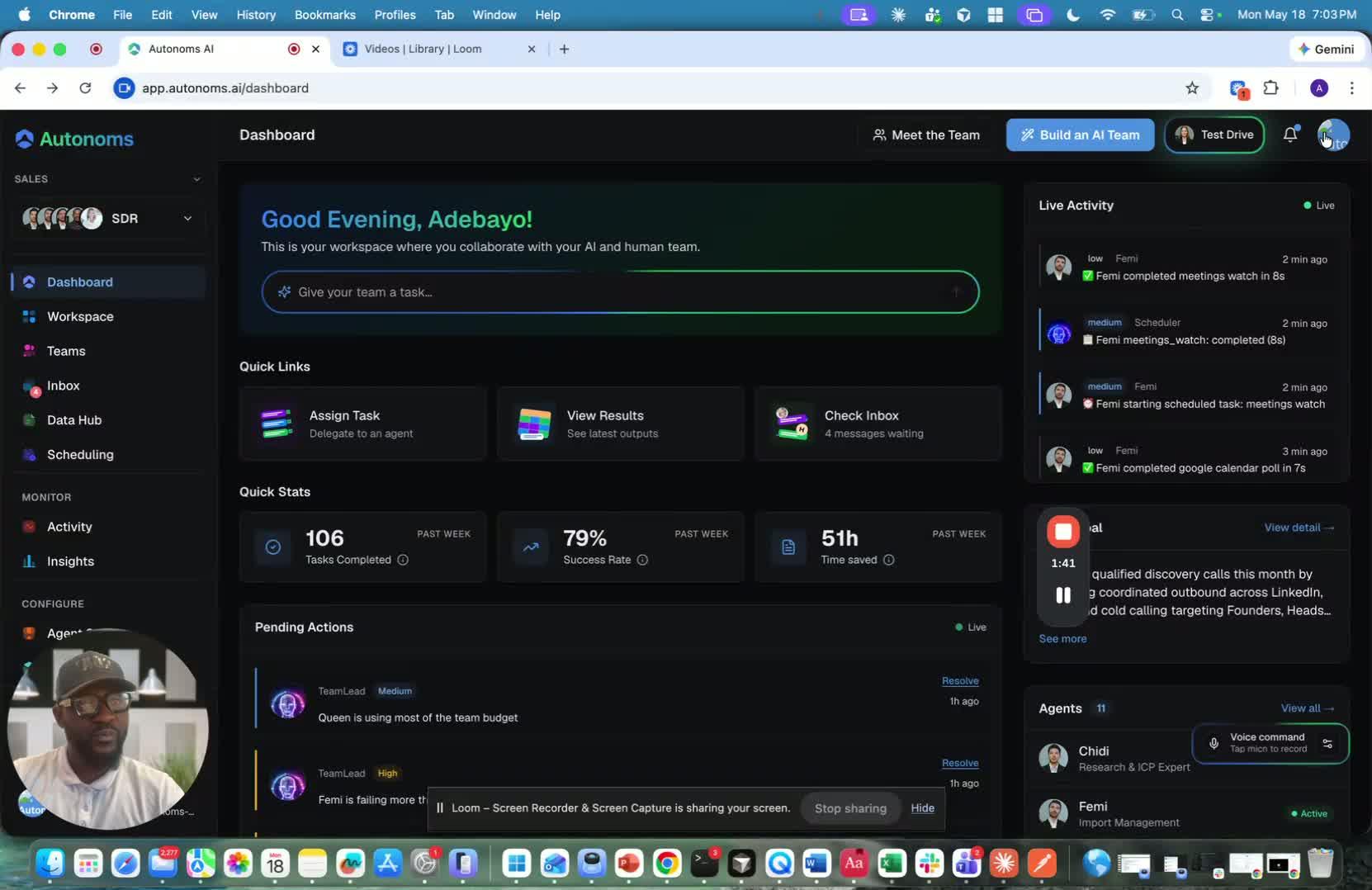
- Each workspace can have its own set of employees.
- This allows different teams to be assigned based on the goals of each company.
- The result is a flexible structure for managing multiple businesses with different needs.